Write by hand. Keep it digital.
Noteorius Writing System
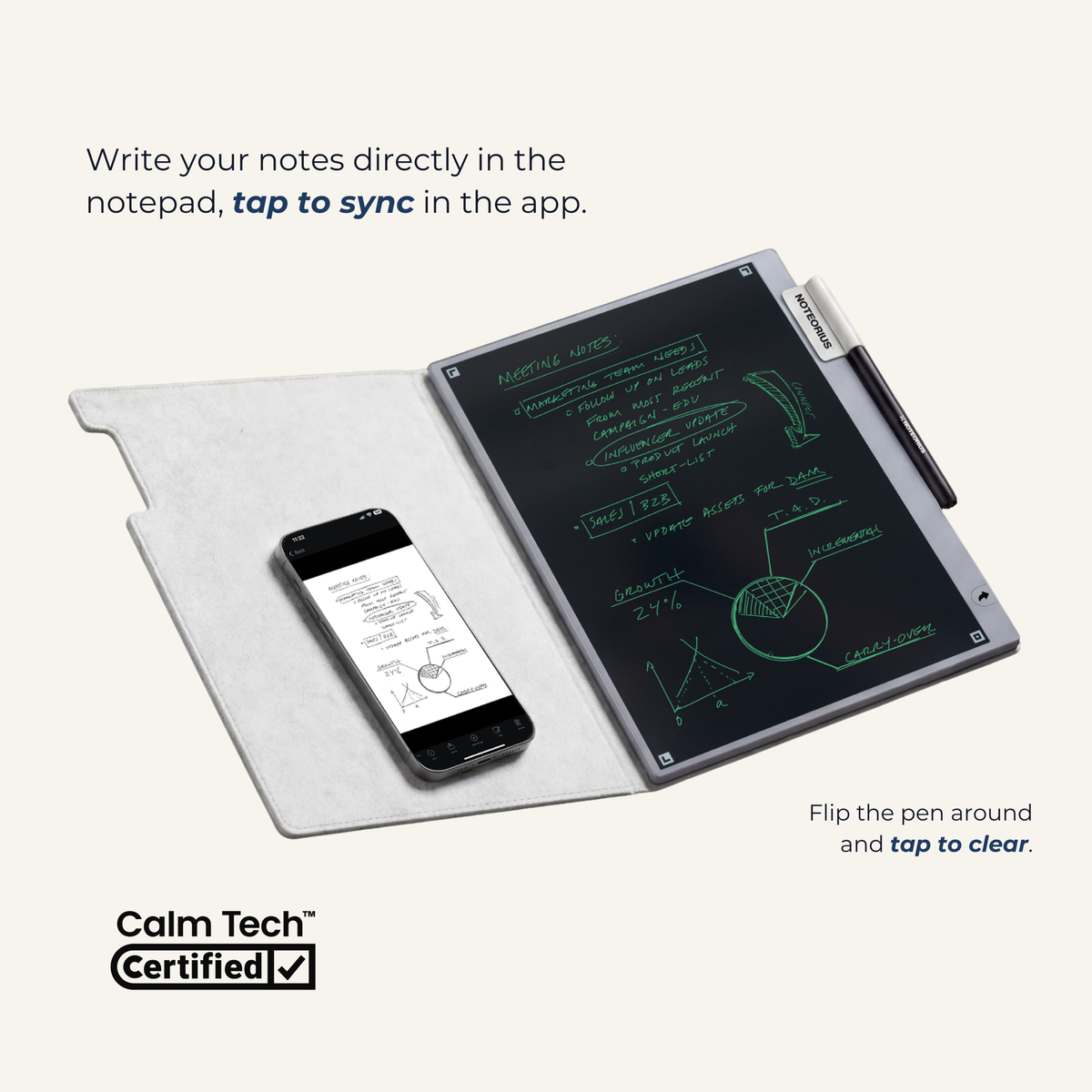
Write by hand, save your notes digitally, and reuse the page when you’re ready.
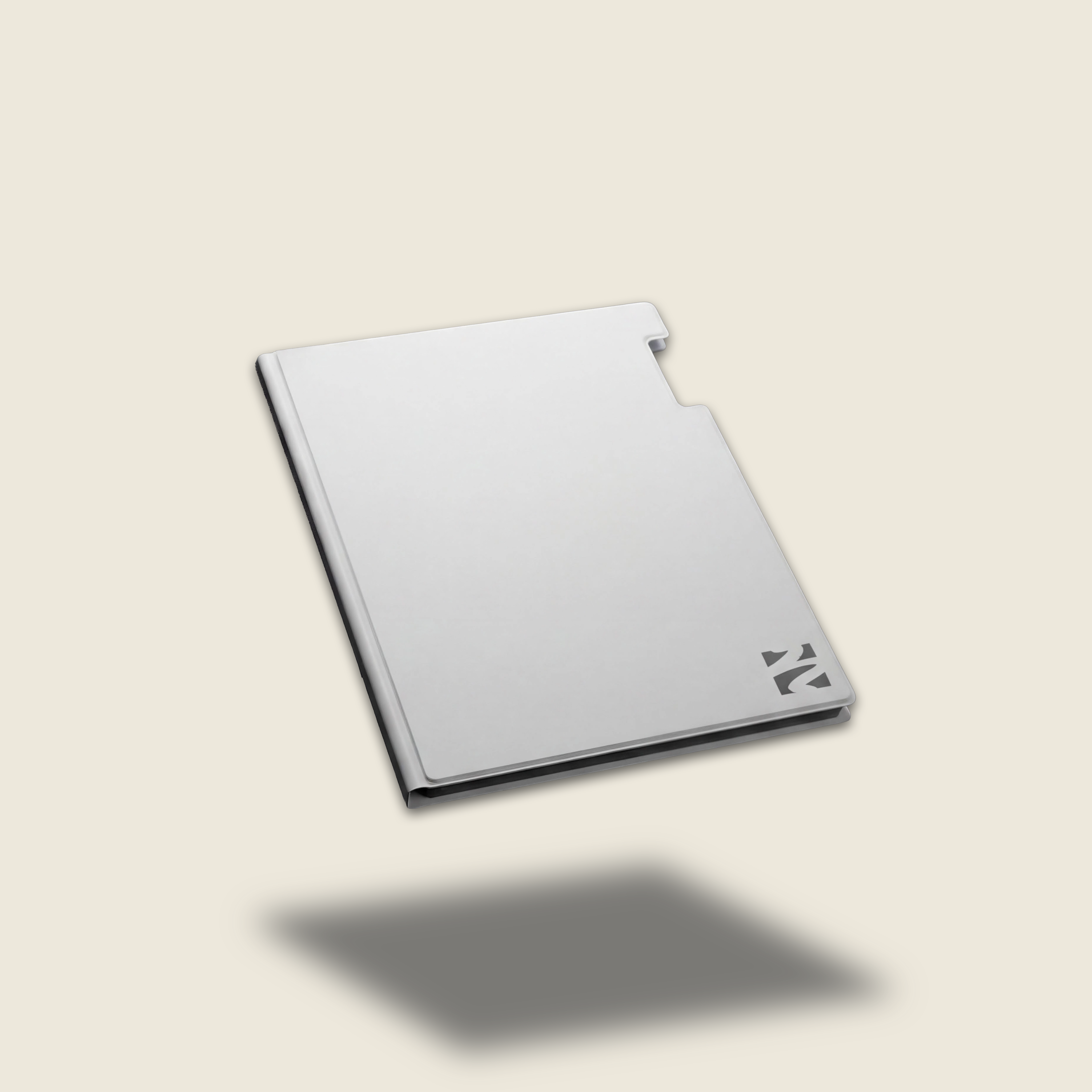
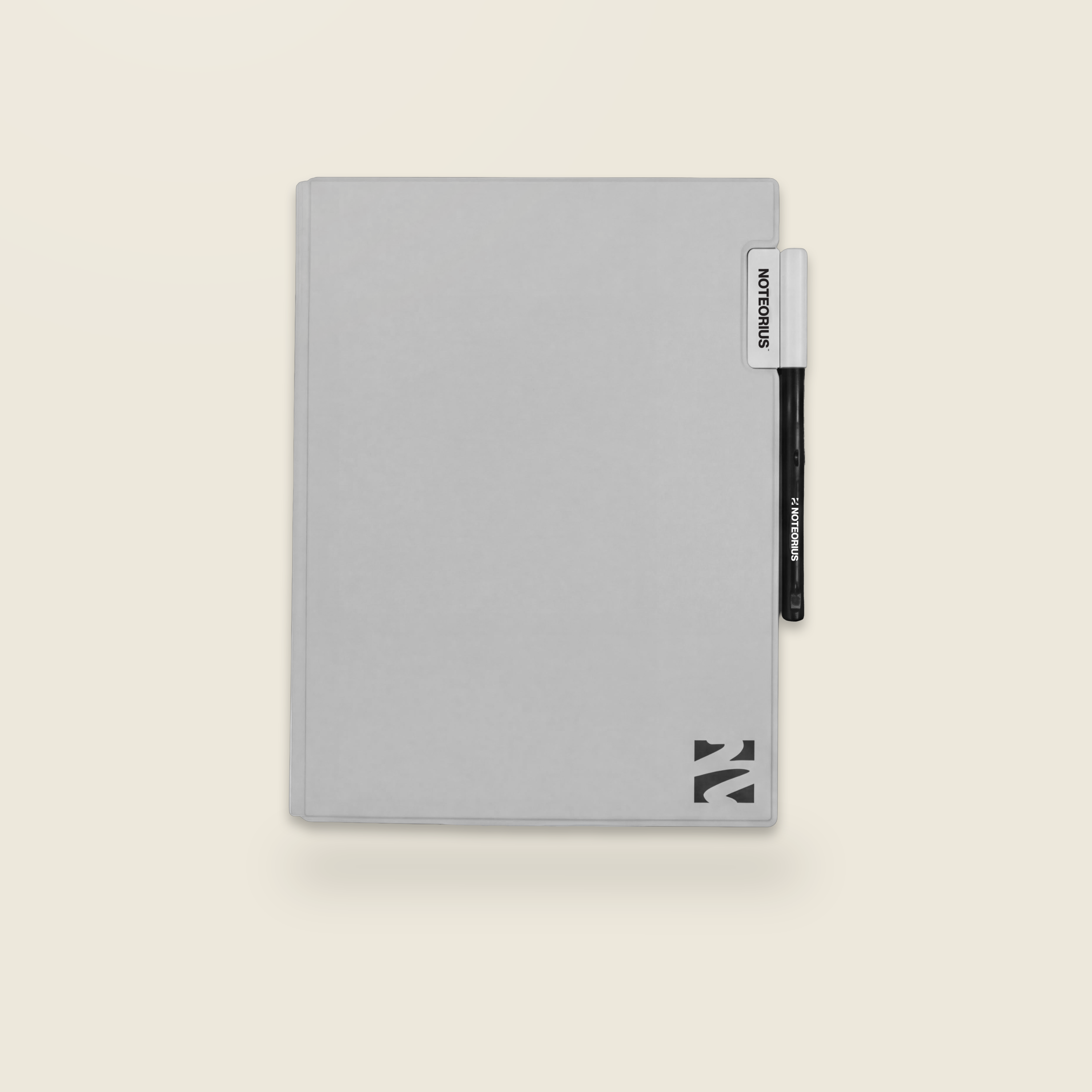
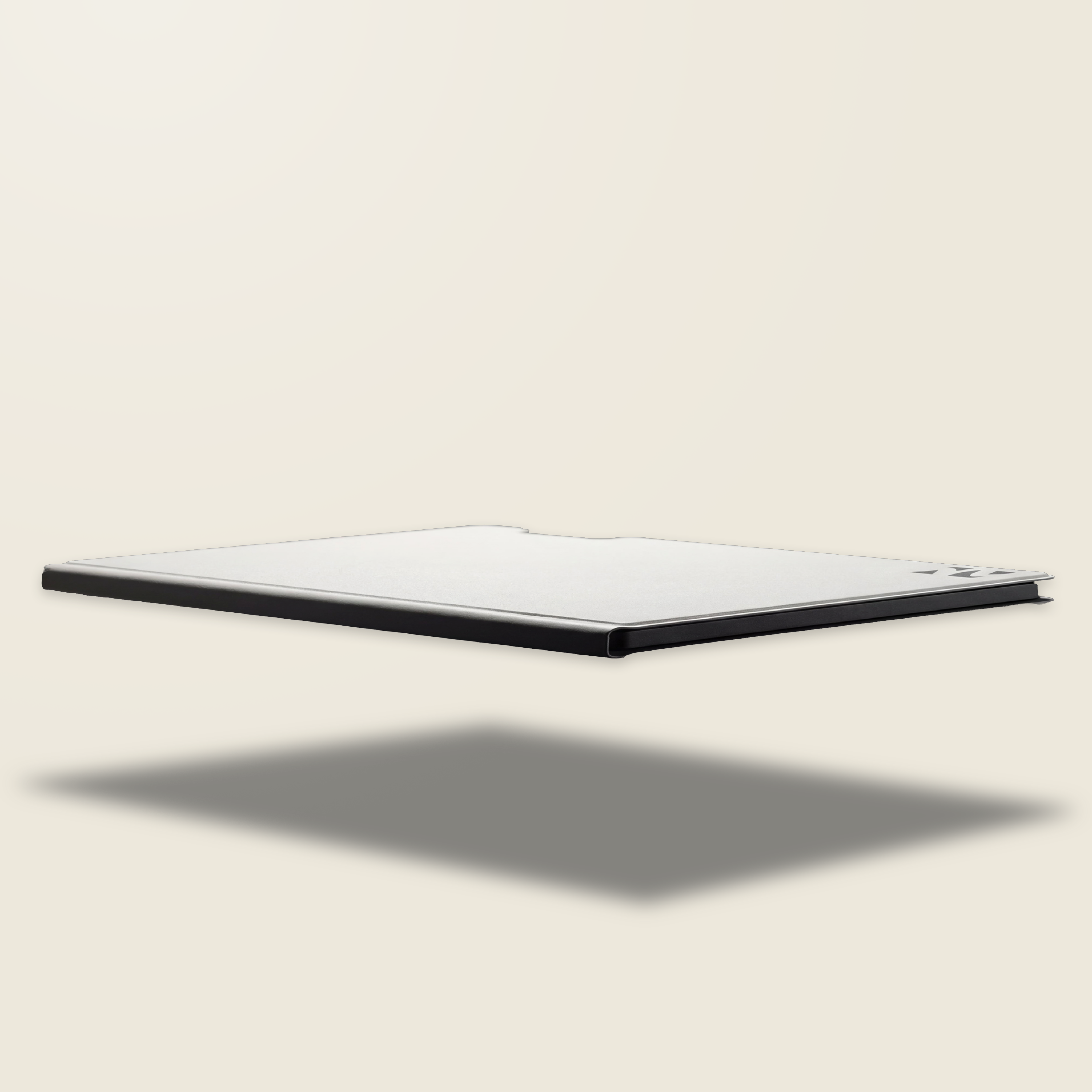
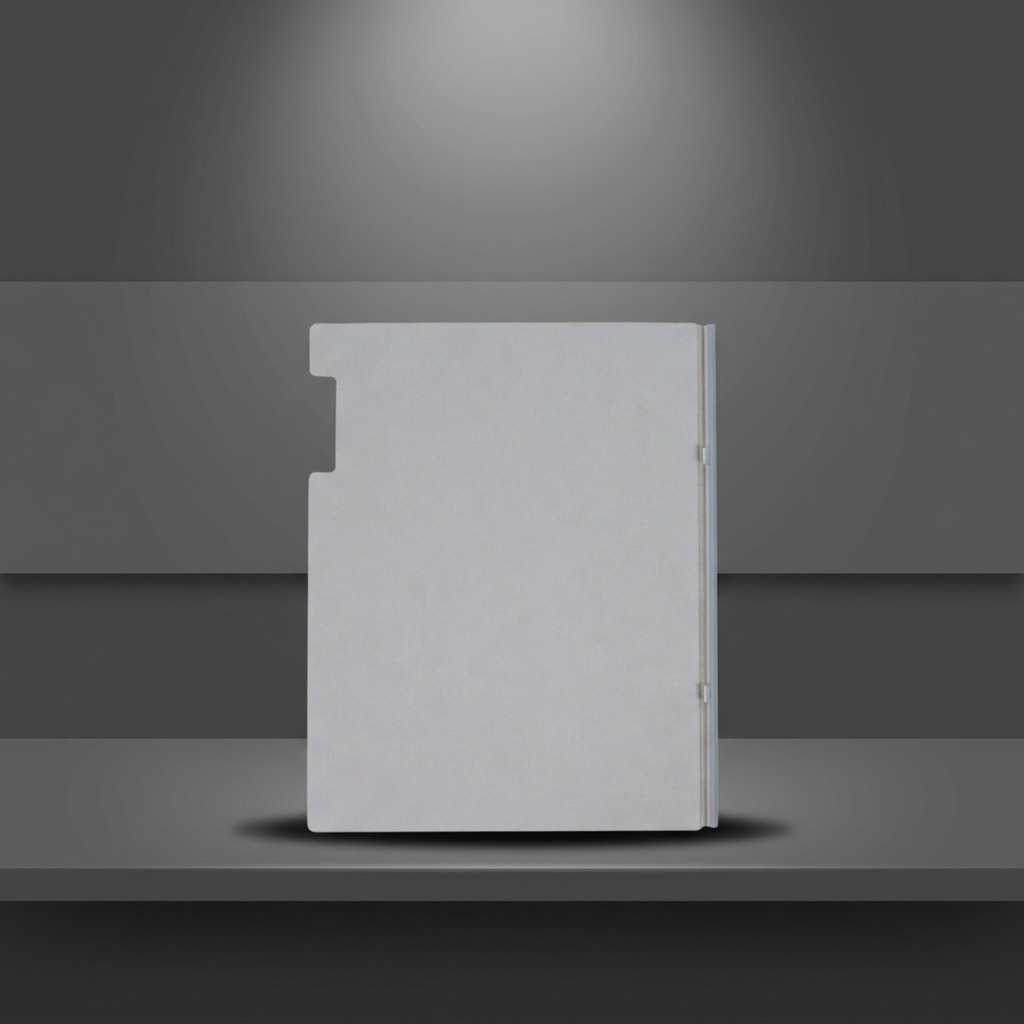
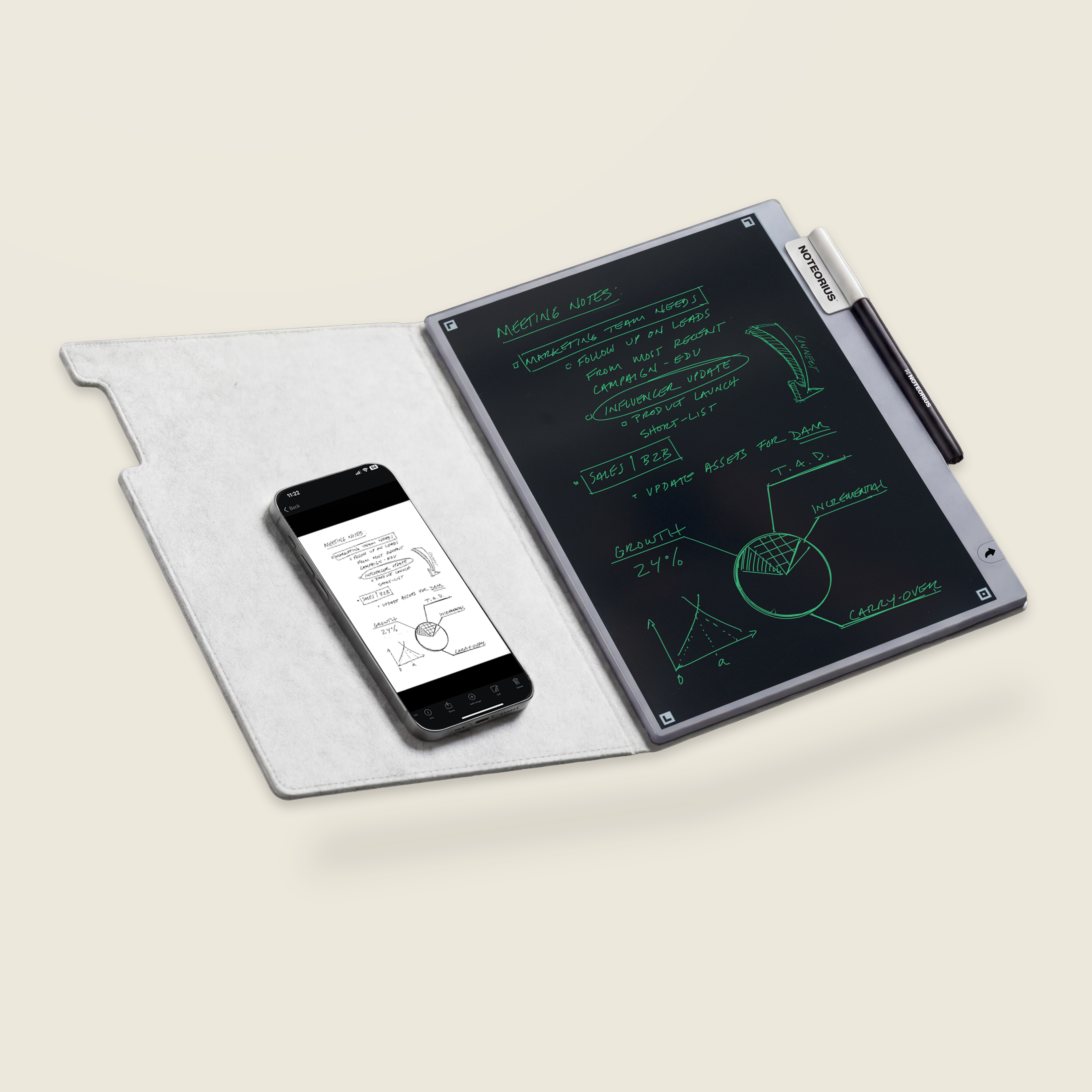
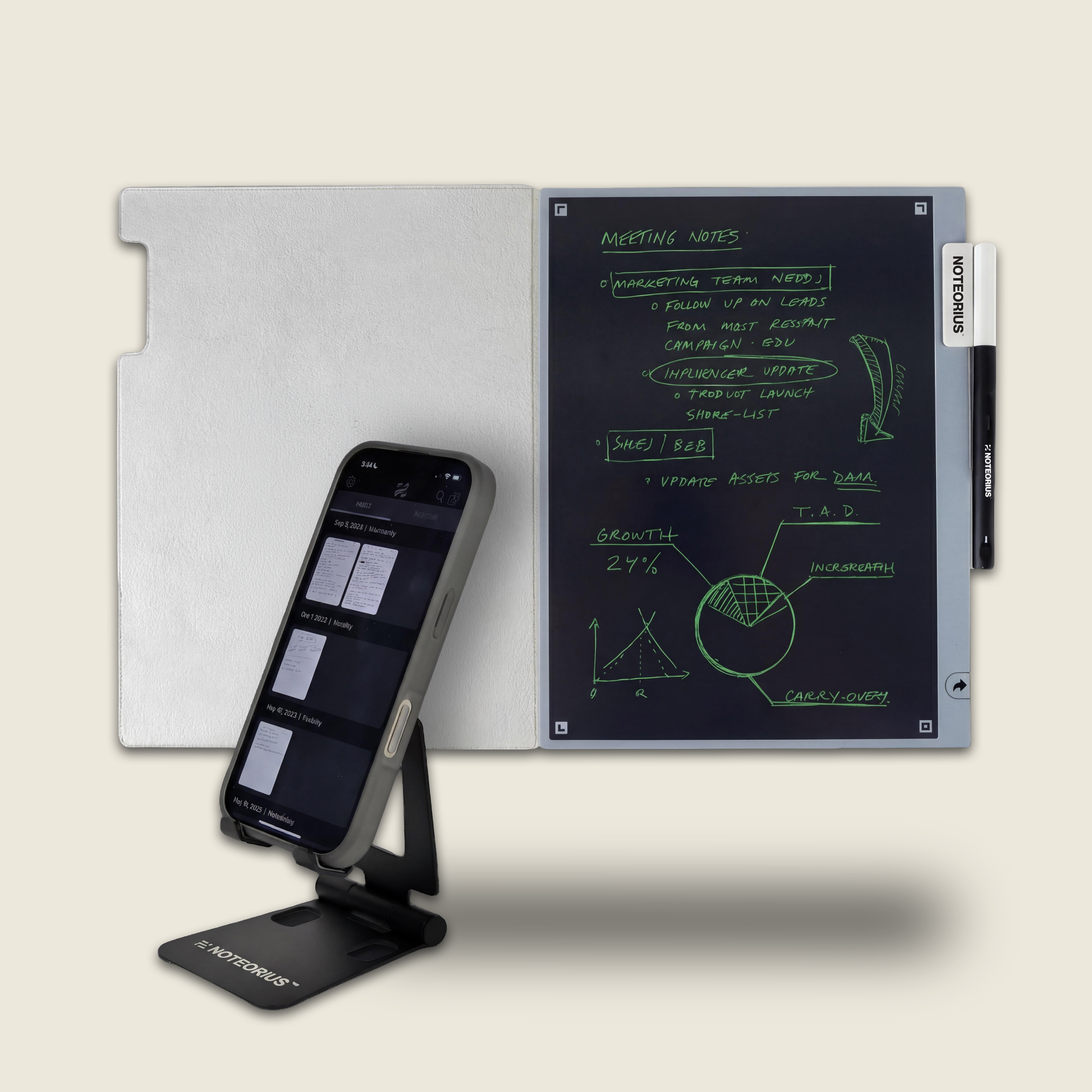
The Noteorius Writing System combines the familiarity of handwriting with a smarter way to keep what matters. Capture meeting notes, lists, sketches, ideas, and everyday thoughts on the reusable Noteorius Notebook, then save each page to the Noteorius Notes app before clearing the surface and starting again.
Your notes stay connected to the pen and can be organized, edited, and exported digitally when you need them, without giving up the experience of putting pen to paper.
Choose the configuration that fits how and where you write.
The Core Noteorius Experience
What's included
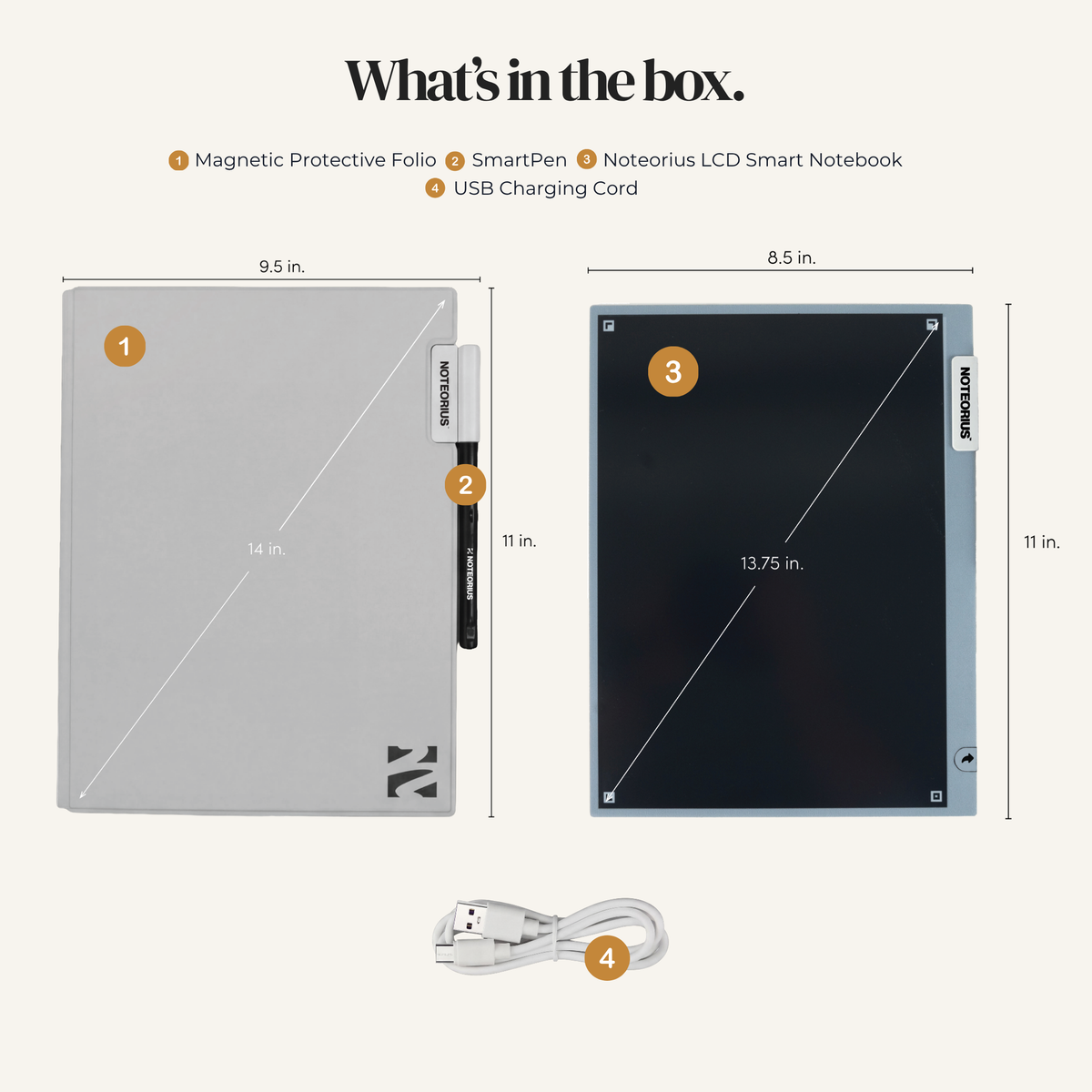
- Noteorius Notebook
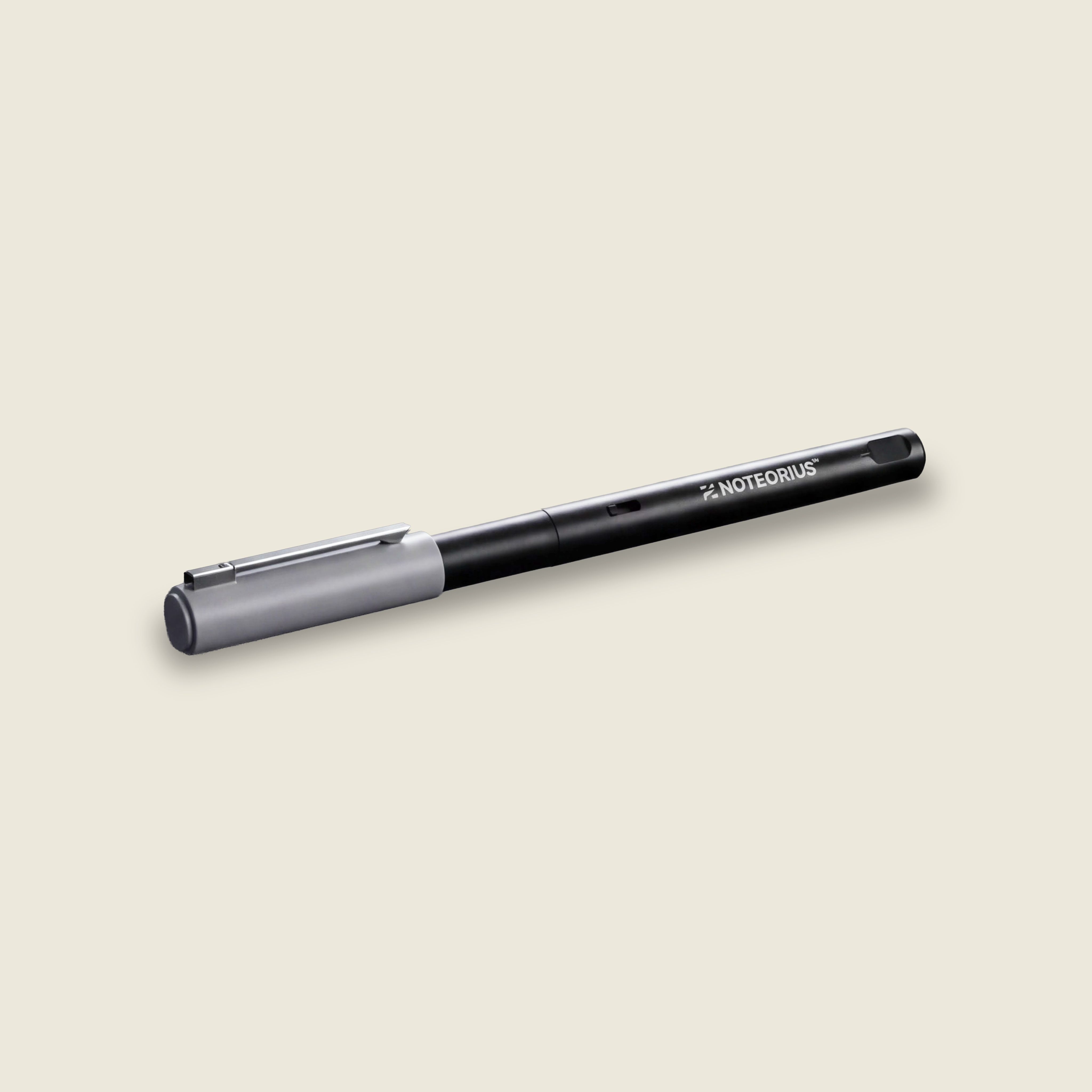
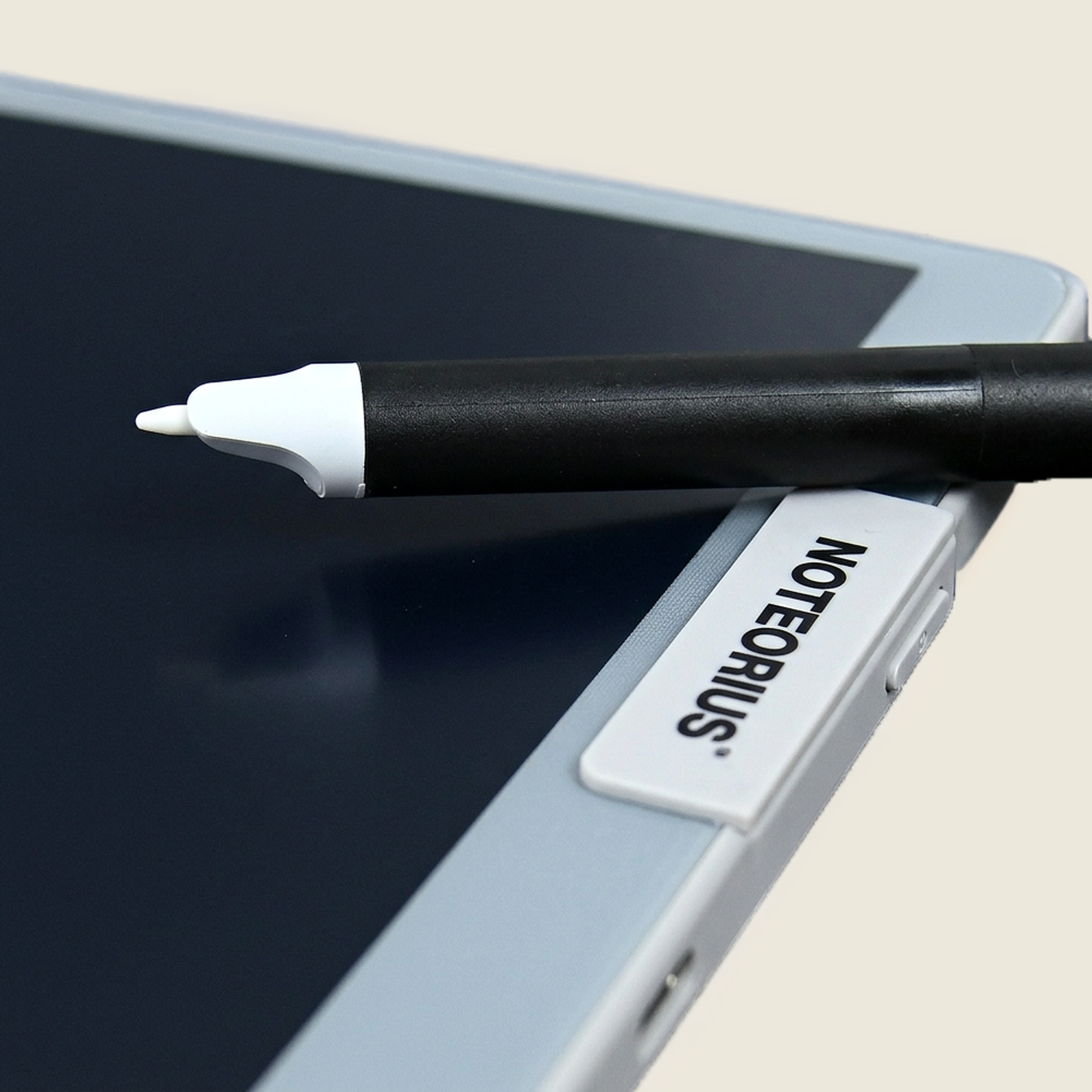
- Zero Latency SmartPen
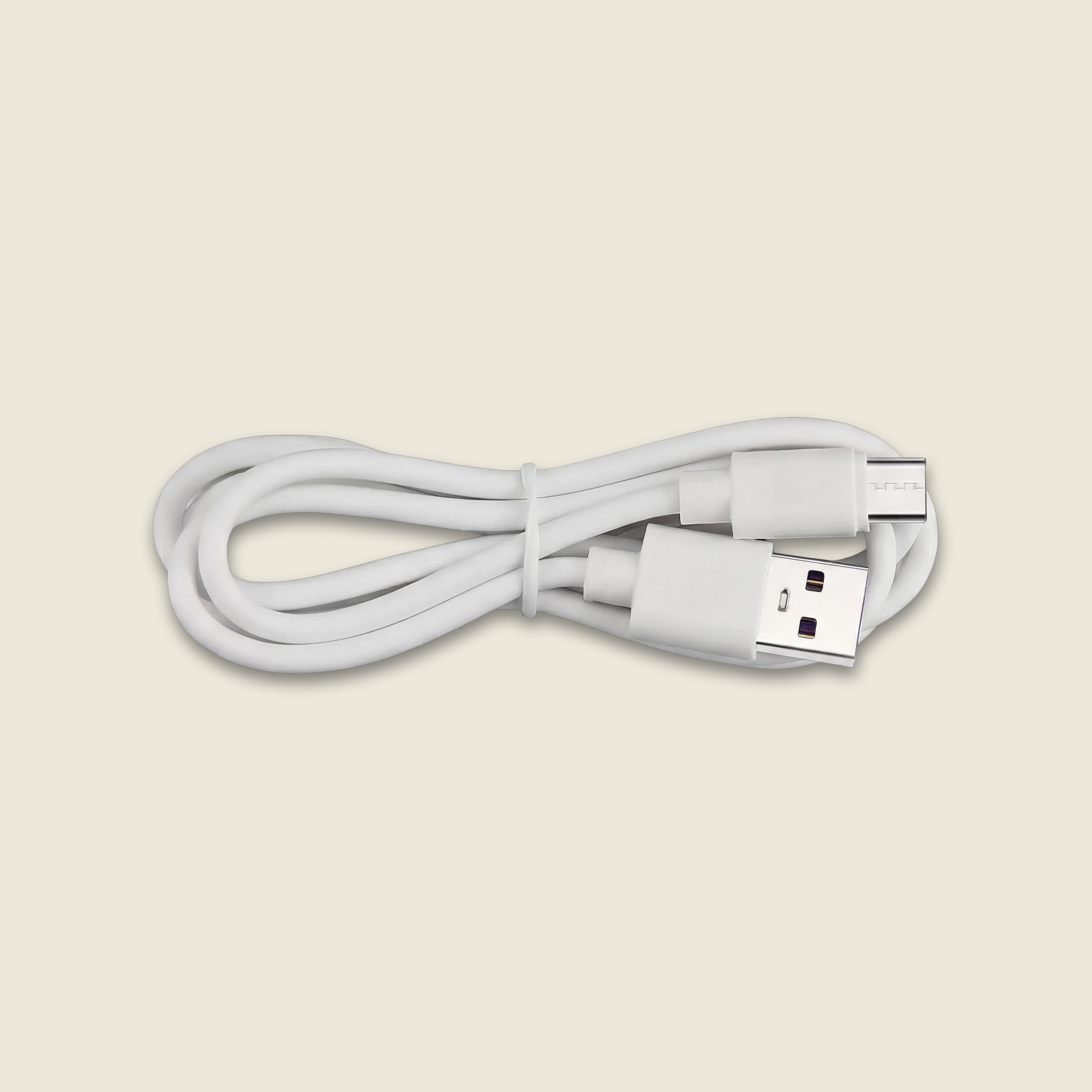
- USB-C charging cord
- Free Noteorius Notes app for iOS and Android
- Noteorius Notebook
- Zero Latency SmartPen
- USB-C charging cord
- Free Noteorius Notes app for iOS and Android
- Noteorius Notebook
- Zero Latency SmartPen
- Magnetic Protective Folio
- USB-C charging cord
- Free Noteorius Notes app for iOS and Android
- Noteorius Notebook
- Zero Latency SmartPen
- Magnetic Protective Folio
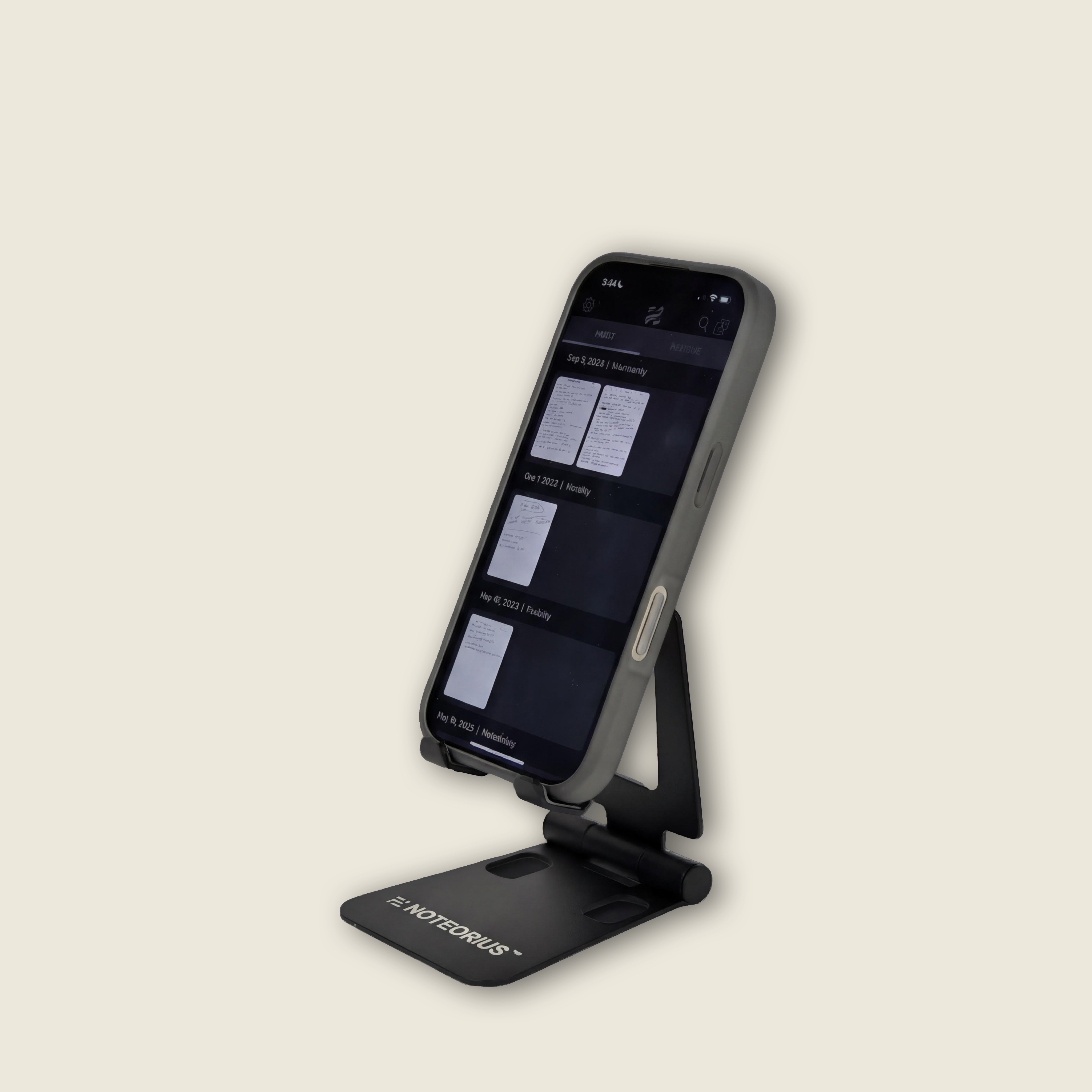
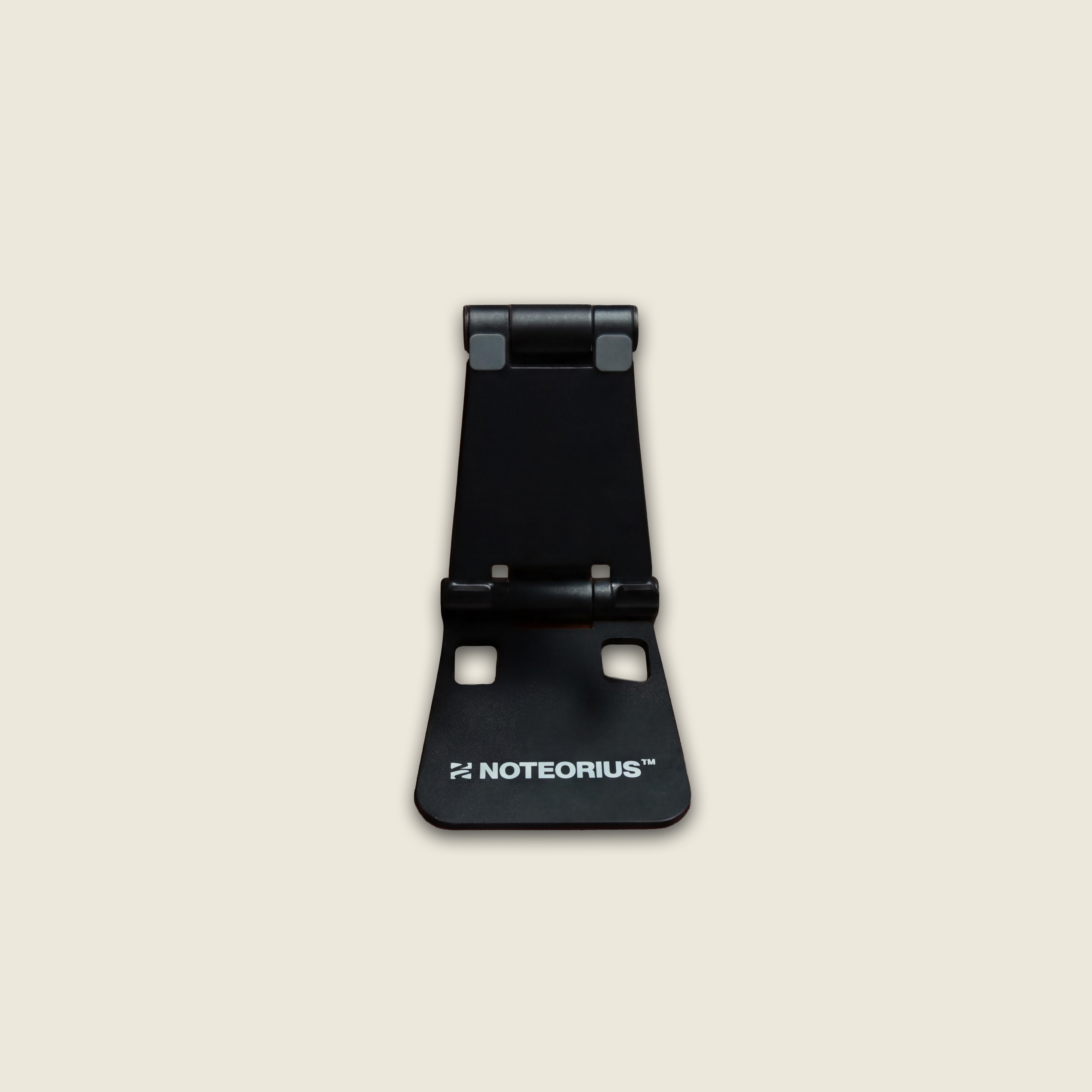
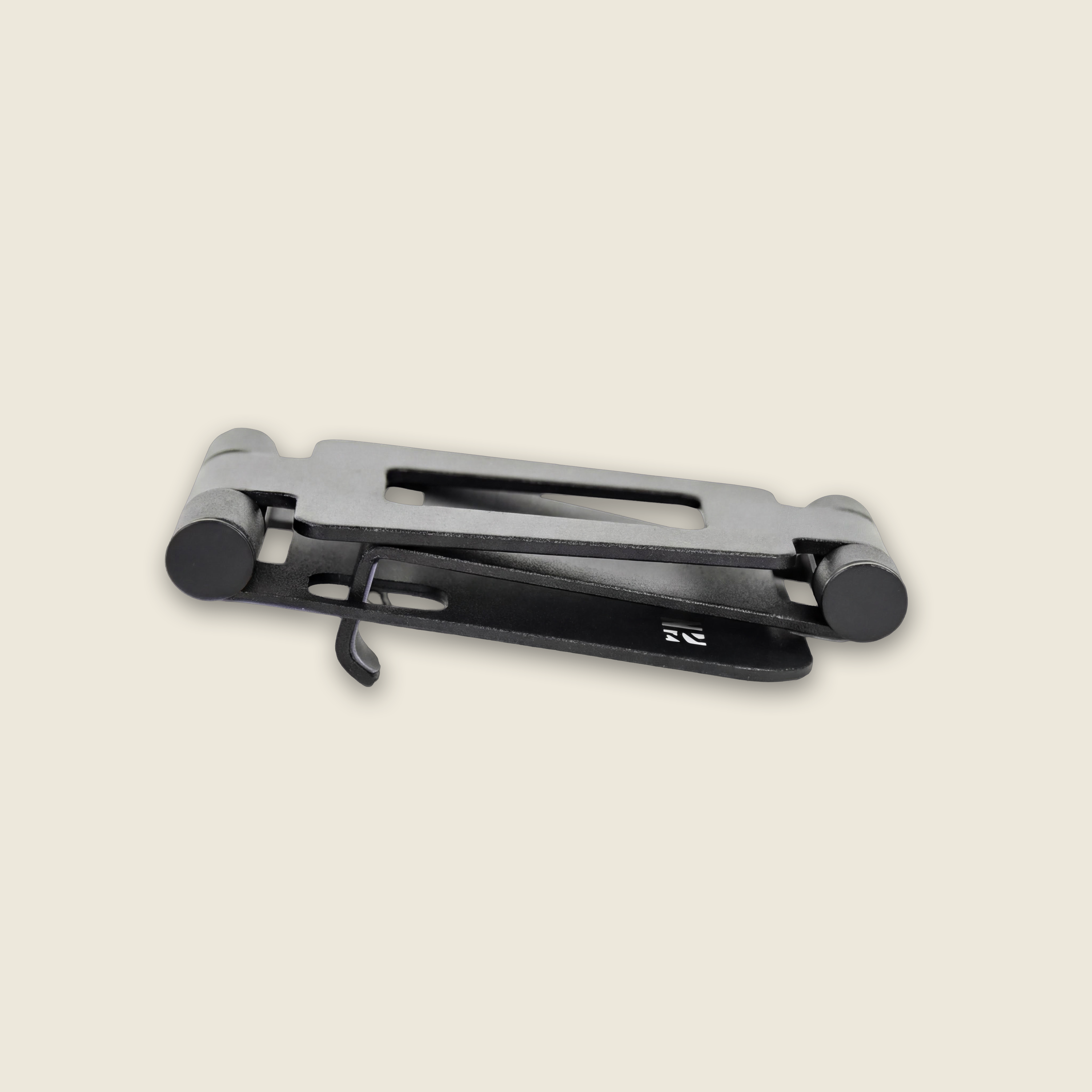
- Noteorius Phone Stand
- USB-C charging cord
- Free Noteorius Notes app for iOS and Android
Free shipping. Ships within 1-2 business days
30-day returns. Free return label
1-year warranty
HOW IT WORKS
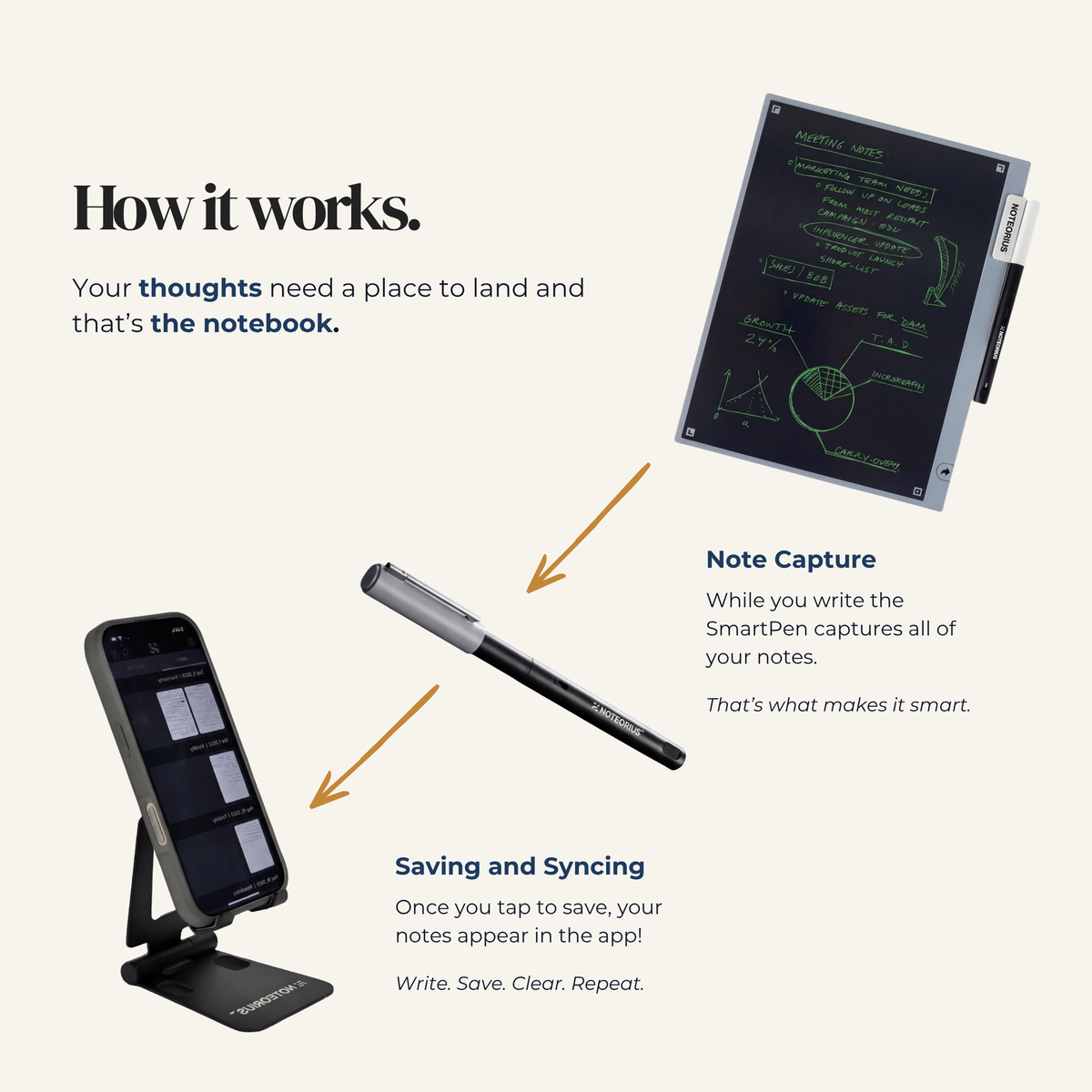
Write. Save. Clear.
Write
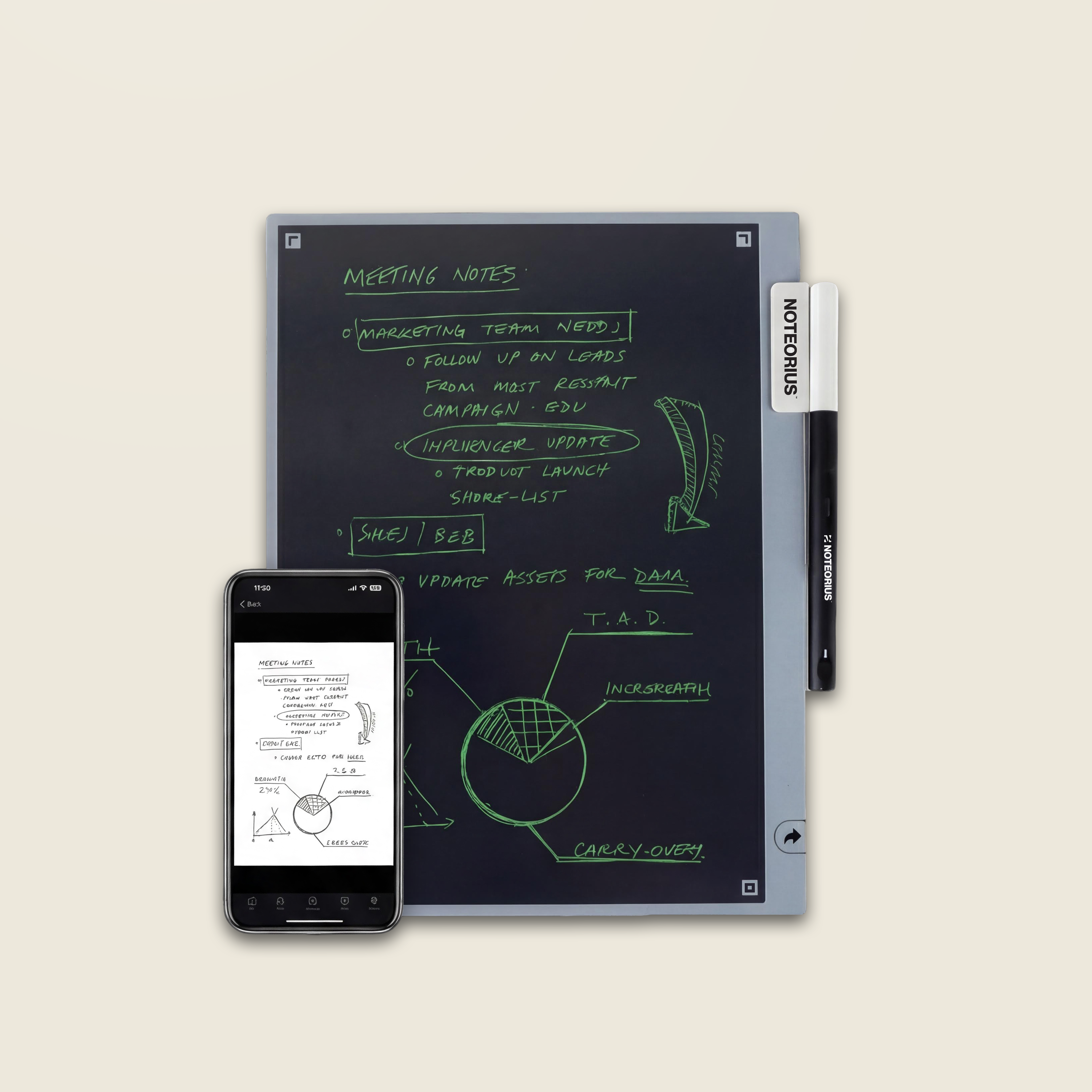
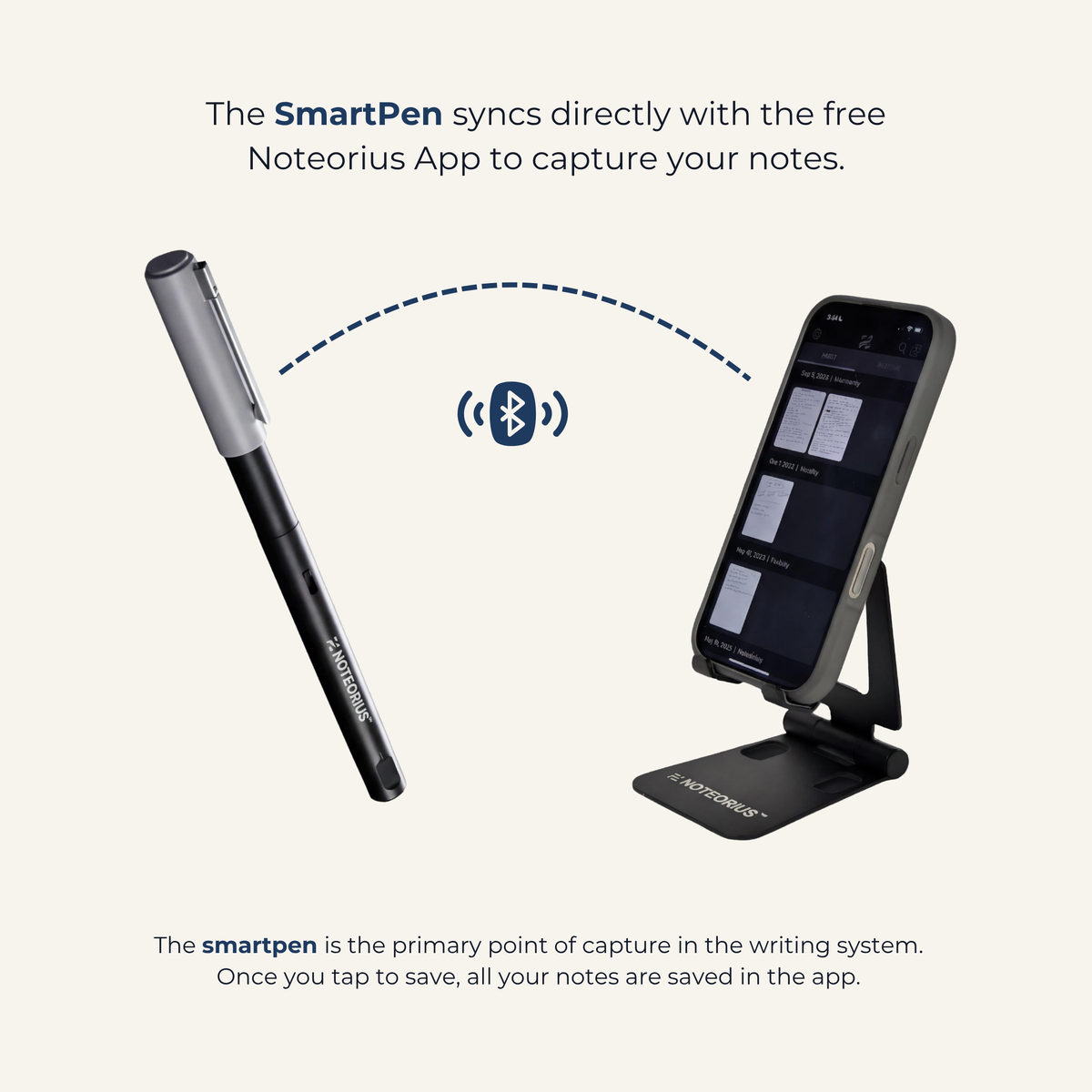
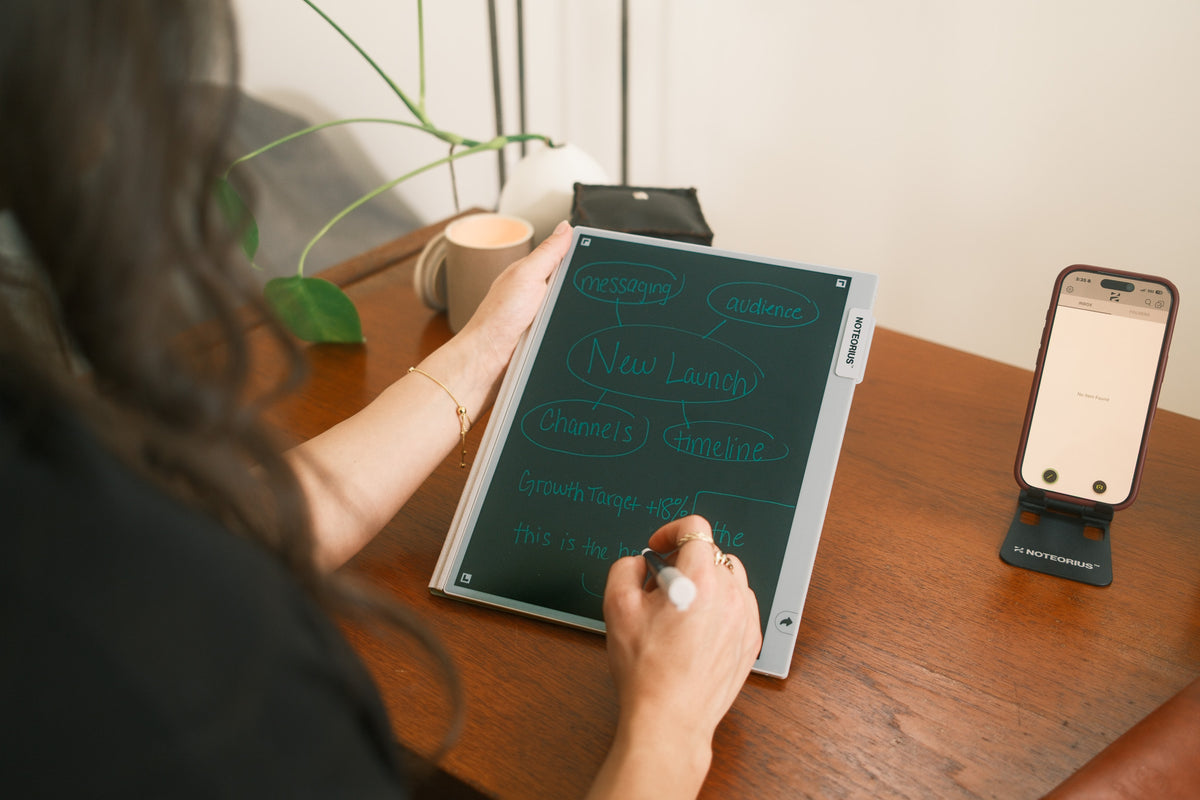
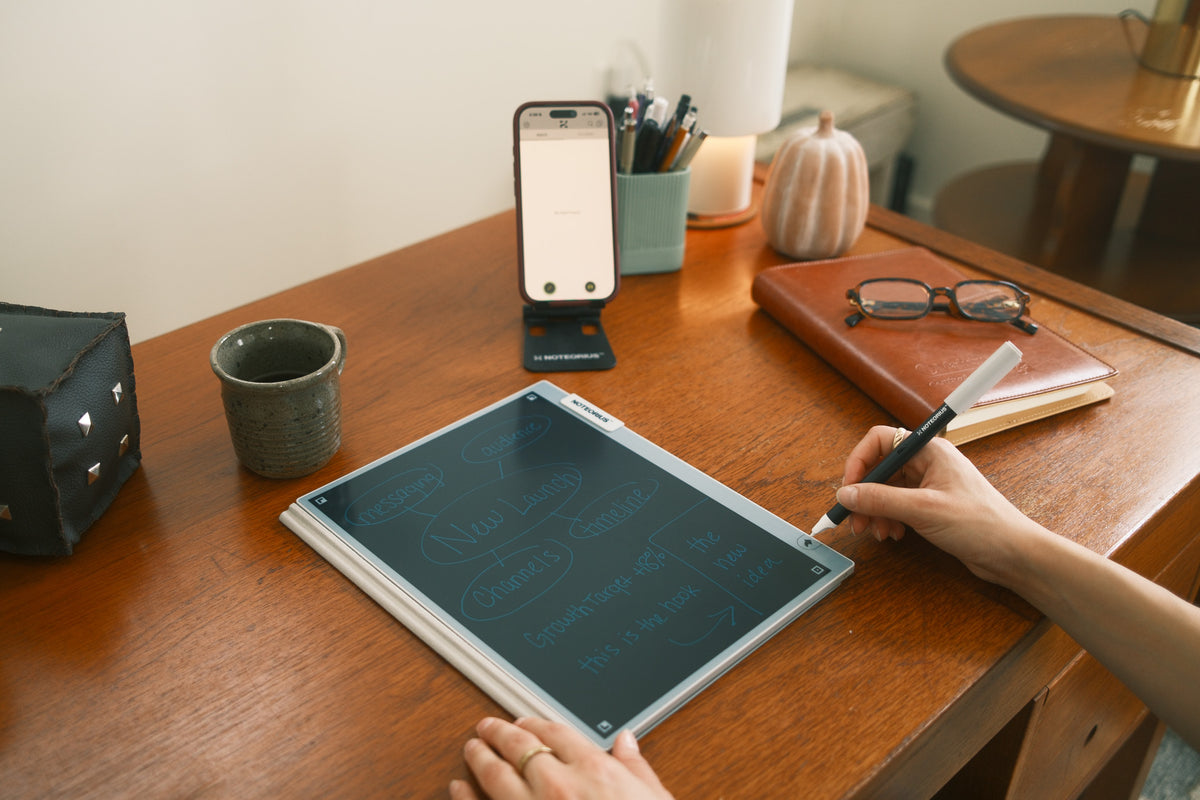
Uncap the SmartPen and start writing. It turns on automatically, captures every stroke, and stores what you write as you go.
Save
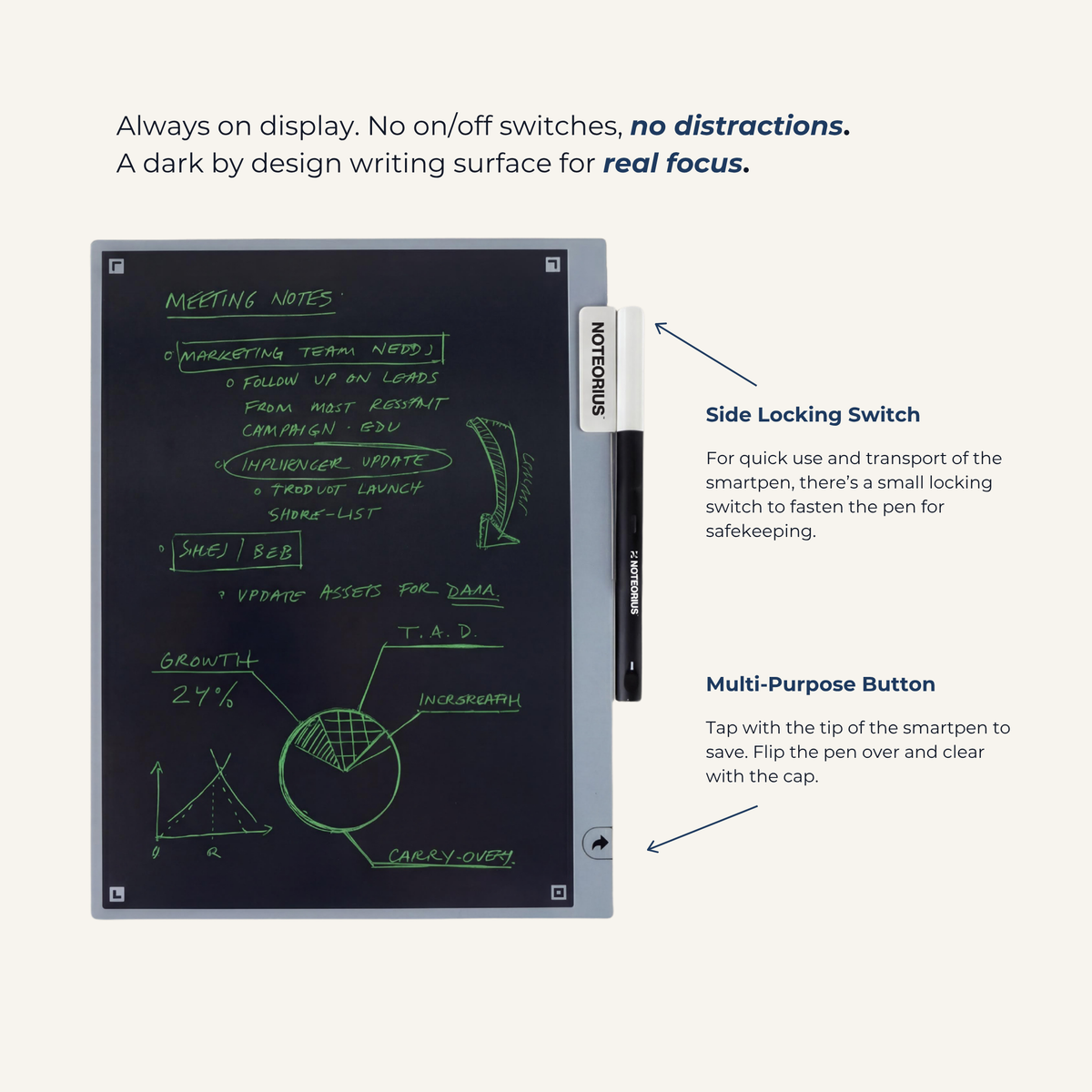
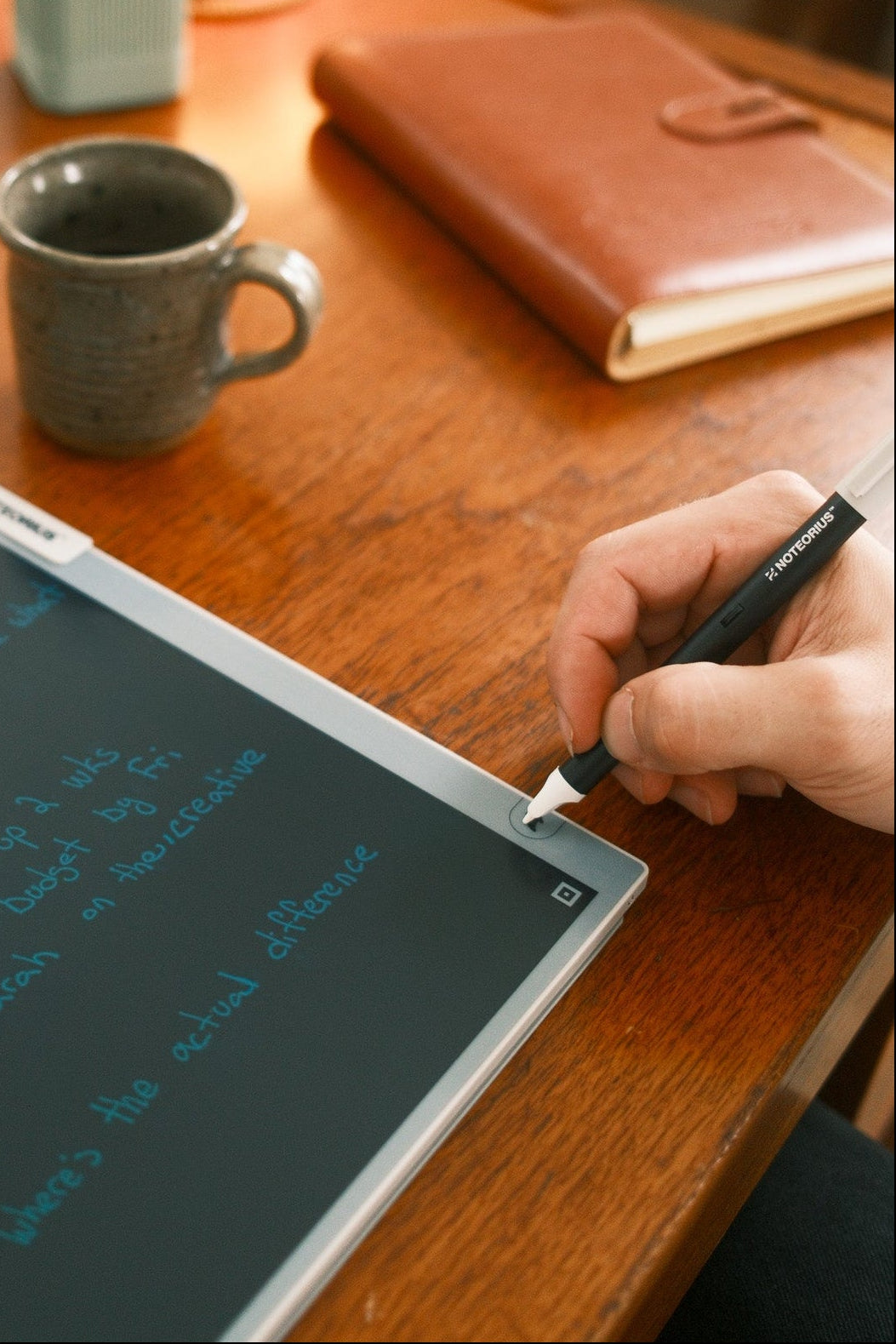
Tap the arrow in the bottom right with the pen tip to save the finished page to the Noteorius app.
Clear
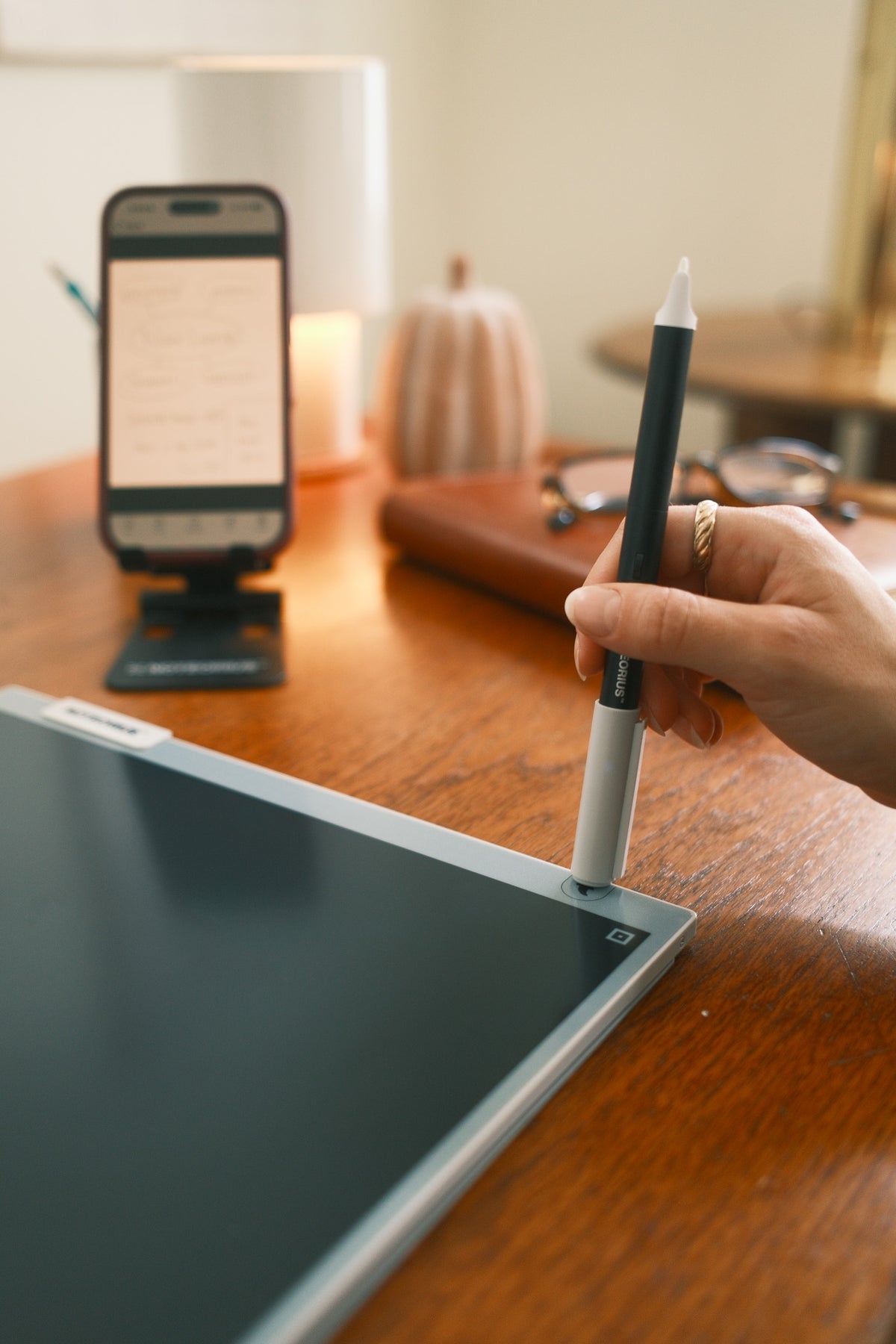
Once the page is saved, tap the arrow with the pen cap to clear the writing surface and start a new page.

Manage
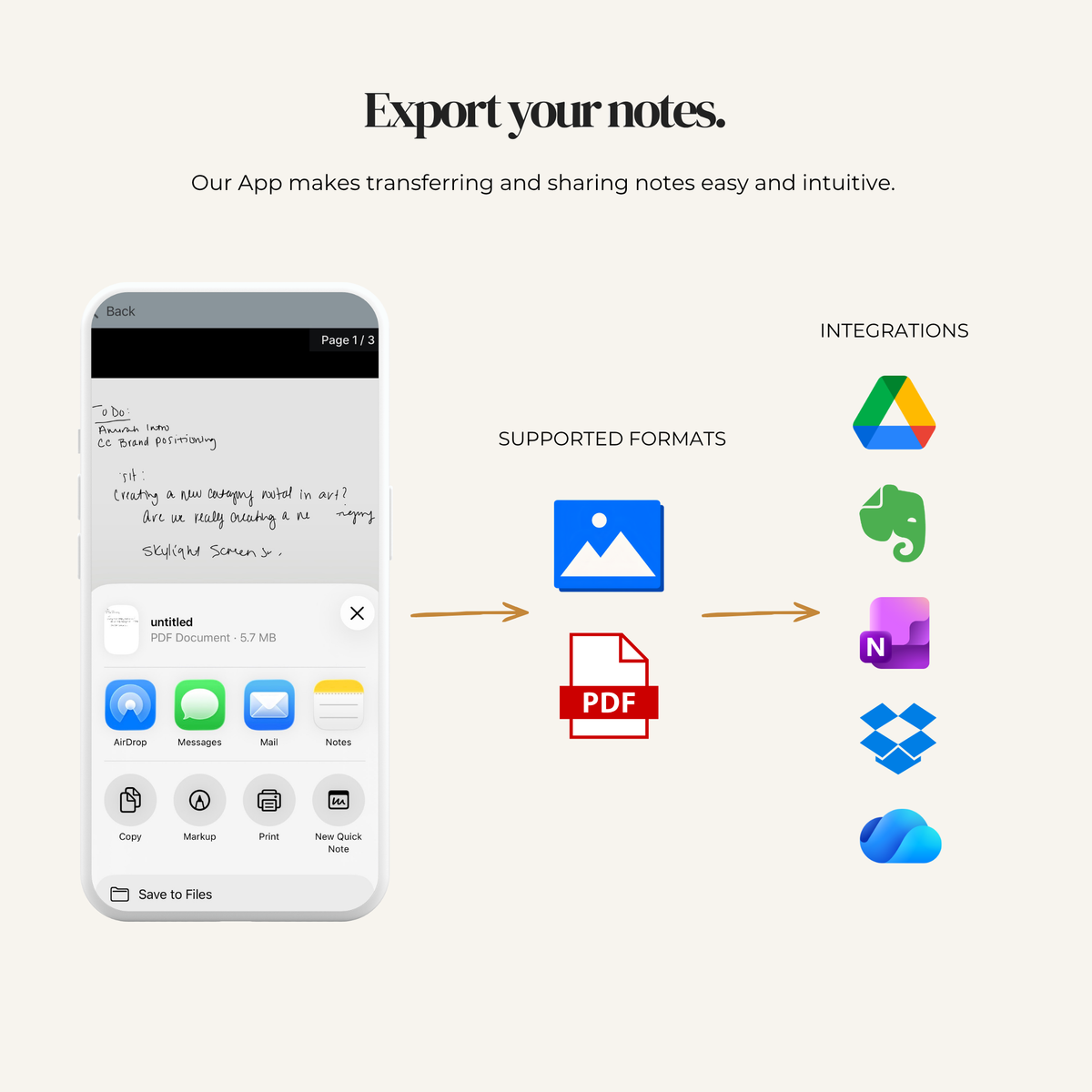
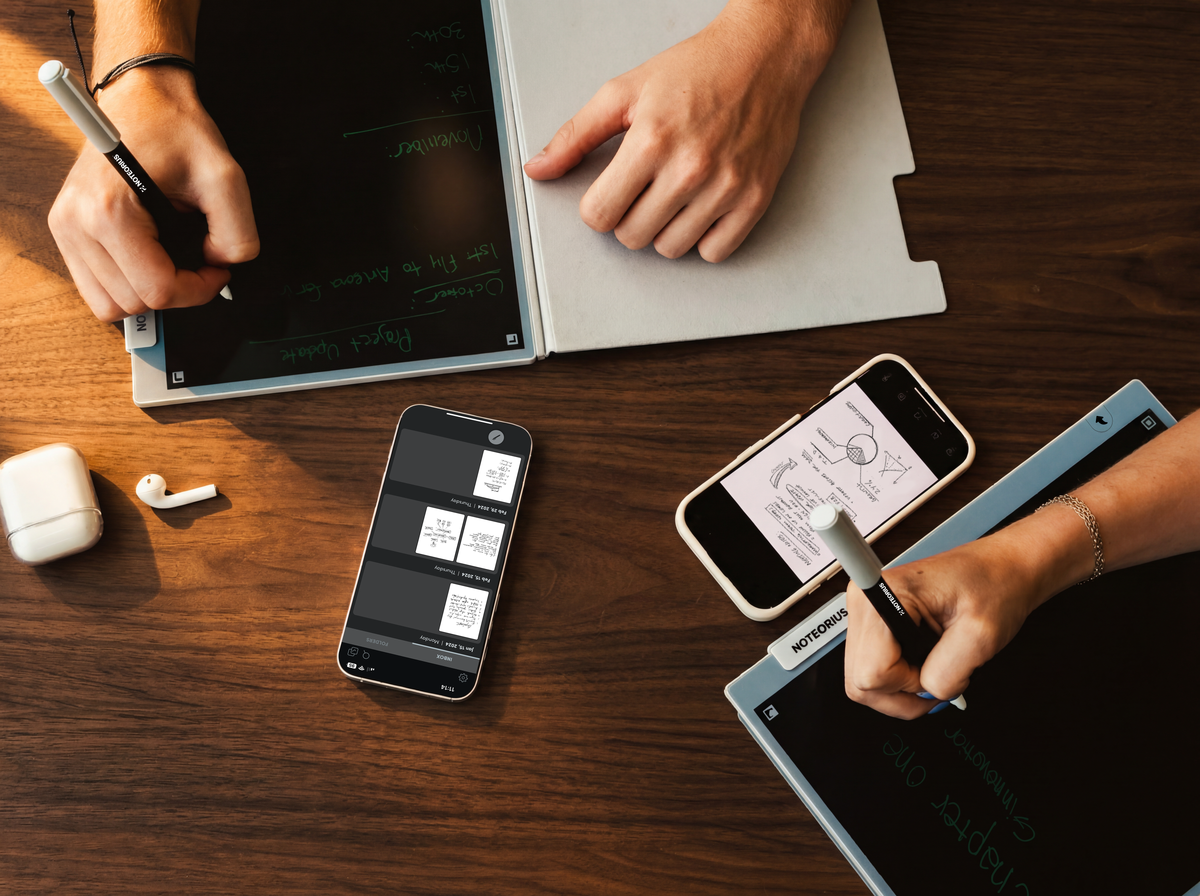
Saved pages appear in the free Noteorius app, in order, when your phone is in range. From there, keep them in Noteorius or export them to Google Drive, OneNote, Evernote, or Dropbox.
FITS YOUR SYSTEM OR BECOMES IT.
A New Home for Your Notes
Every saved page lands in the free Noteorius app. Organize your notes there, edit them digitally, or export them to Google Drive, OneNote, Evernote, and Dropbox.
The app is included with no subscription.

Your Library
Every saved page, kept in order on your phone.
Manage & Edit
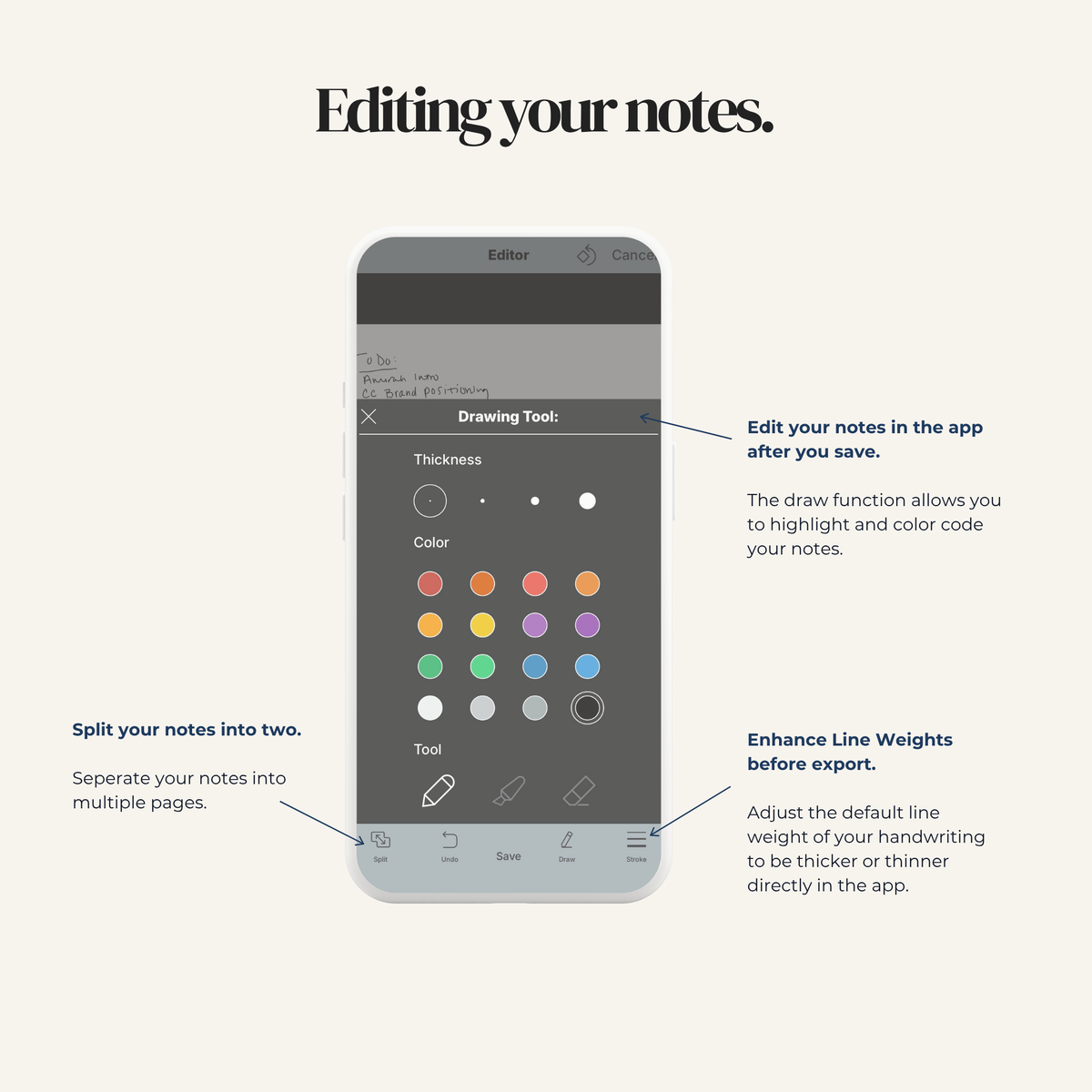
Open saved pages, zoom in, add edits, and organize them inside the app.
Export
Send pages to Drive, OneNote, Evernote, or Dropbox as PDFs.

Share
Text a sketch, email a page, or send a note wherever it needs to go.
Don’t Take Our Word For It
See Noteorius in Action


What Customers Are Saying
Fabiana
Love it! I've been using it constantly to take notes during my work meetings, connected to my OneDrive
I'm excited to use it for work events soon too!
Craig
I’ve been using your notebook for a few weeks now, and I’m seriously impressed. The writing surface feels remarkably like writing on paper - smooth, responsive, and satisfying without any lag or awkward friction.
Owen
This notebook is an excellent choice for those who want to store notes digitally. It’s priced a lot cheaper than most tablets and a lot larger which gives you enough space to get all of your notes down.
Adam E.
I purchased this because I was tired of carrying my old Surface tablet around just for jotting down notes. I was looking for something simple and straight forward. I use this daily and everything syncs well with my OneDrive and Dropbox.

Smart Enough to Stay Simple
Uncap the SmartPen and you’re ready to write. It records every stroke and stores your writing until the page is saved to the app. The reusable writing surface itself never needs charging, so there’s nothing to power on before you start.
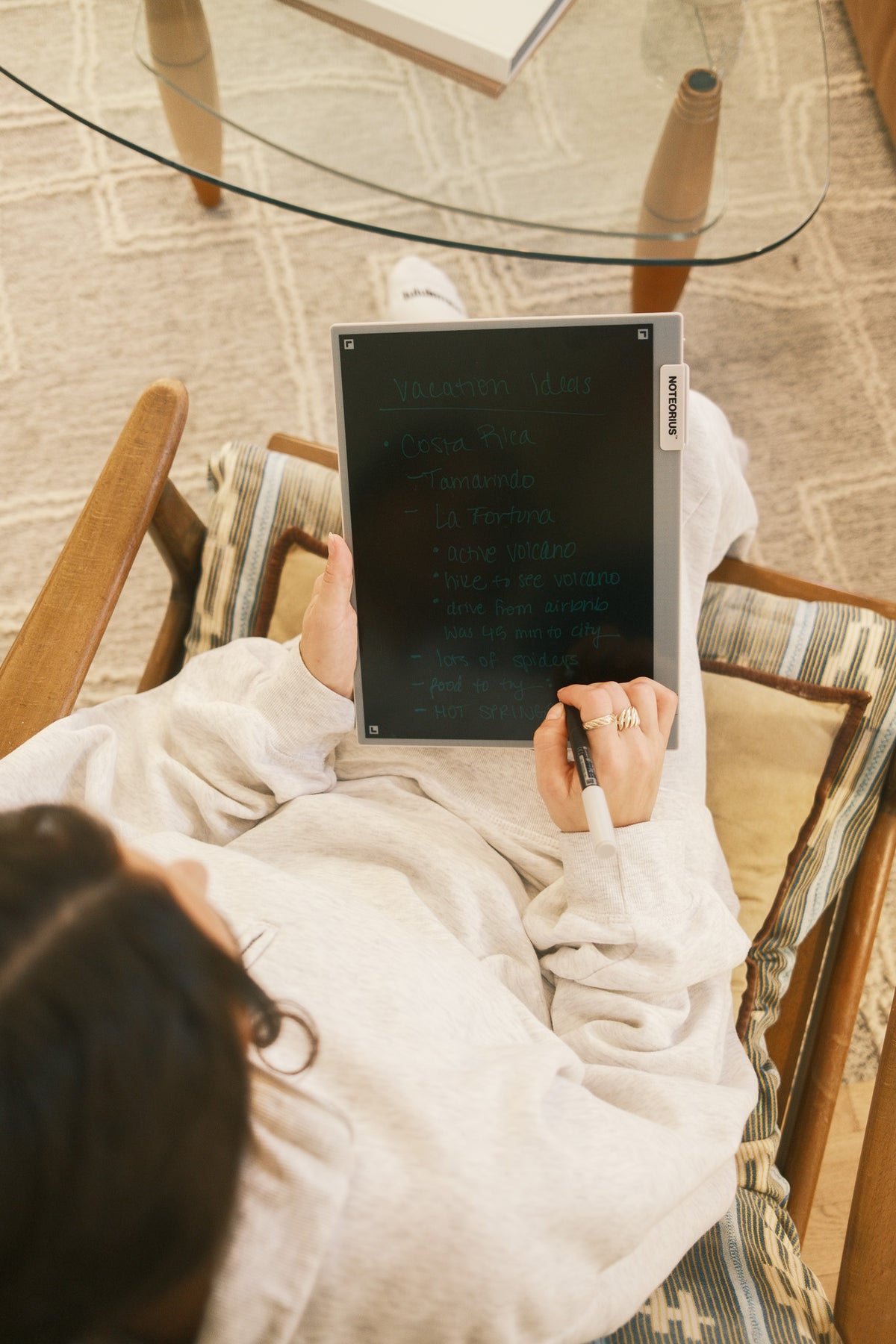
The Familiar Feel of Pen on Paper
The SmartPen moves across the writing surface with the resistance and control you expect from paper. There’s virtually no delay between your hand and the line you see, so notes, sketches, diagrams, and handwriting feel immediate and familiar.
Your Notes, Where You Need Them
Saved pages collect in the free Noteorius app, where you can organize them or send them to Google Drive, OneNote, Evernote, and Dropbox. Keep Noteorius as your main note library or fit it into the tools you already use. The app is included with no subscription.
One Notepad, Endless Pages
Finish a page, save it to the app, then clear the writing surface and start again. The same notepad can be reused page after page, while the notes you keep live digitally. The writing surface never needs charging.
Fits Any Writing Routine
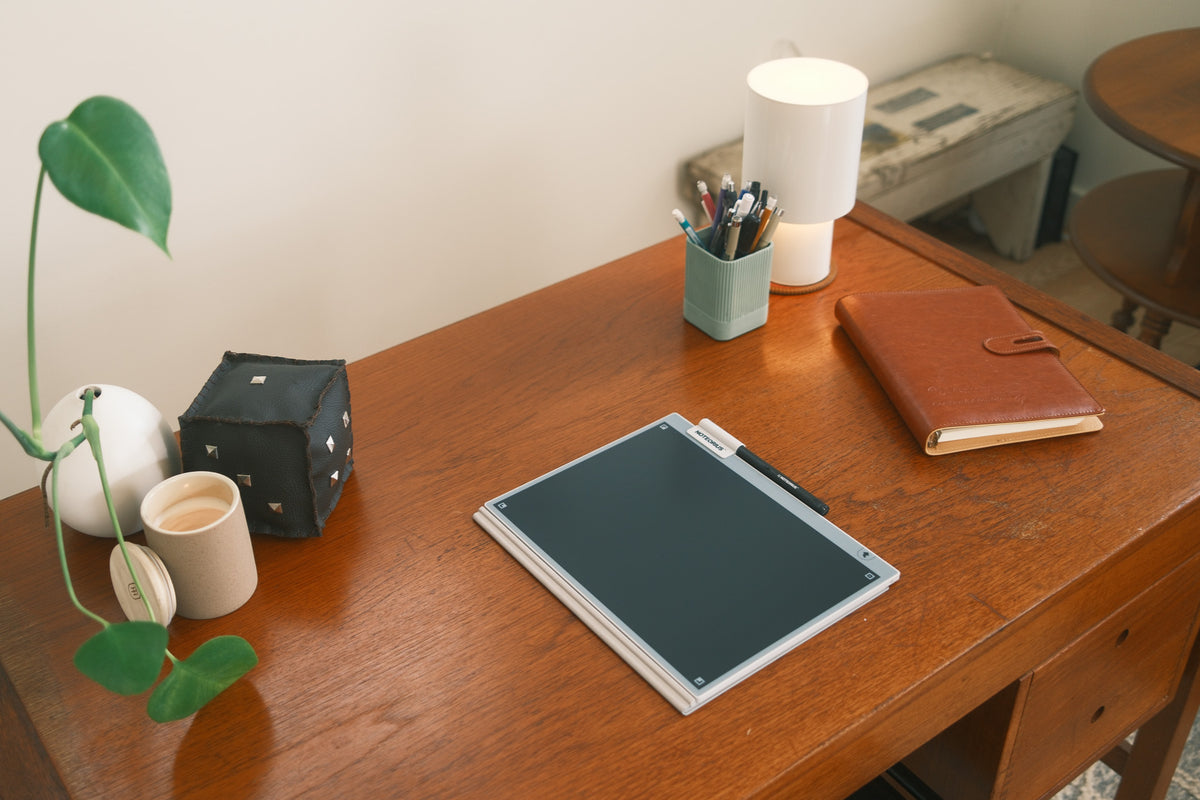
Noteorius is built for desks, bags, meetings, and everyday use. Marks or smudges on the physical surface don’t carry over to your saved pages because the SmartPen records your actual strokes. What you save stays clean in the app.
FAQs
Please read our FAQs page to find out more.
Where does it read best?
Does the notepad need charging?
Do I need my phone with me to use it?
What happens when I clear a page?
What If I lose the pen?
Can I get my handwriting as typed text?
At half the price of typical electronic paper tablet the Noteorius balances the performance and aesthetics one would expect from such a product. The app worked seamlessly and merging notes was simple. There is no ghosting or display refreshing like other competition which is a plus. This product is unique and the fact that the pen itself needs charging and not the tablet is a plus. Overall, this is an affordable electronic paper tablet! I recommend!


I recently picked up the Noteorius smart notebook, and it has completely transformed how I work on ideas, sketches, and notes. The glare-free dark mode LCD is fantastic — unlike regular screens, it doesn’t cause any eye strain even during hours of use. I can work late into the night without fatigue, and the deep, crisp display makes every sketch and handwritten note look sharp and professional.The Tap-to-Save Smart Pen is incredible. It feels just like writing with a traditional pen on paper, with smooth, precise strokes and zero lag. I can erase, draw, or jot down ideas instantly with a single tap, which keeps my creative flow uninterrupted. The rechargeable pen holds a charge for a long time, so I never have to worry about it dying in the middle of a session.One of my favorite features is the cloud sync. Every note and sketch is instantly uploaded to the Noteorius app and can be synced with Evernote, OneNote, or Google Drive. This means all my ideas are organized, searchable, and securely stored. I no longer have to worry about losing important notes or sketches, and retrieving old ideas takes seconds.The notebook is also incredibly well-designed for portability. It’s slim, lightweight, and comes with a protective magnetic folio that keeps it safe in my bag while traveling. Despite its compact size, it feels sturdy and durable, so I know it will last for years of heavy use.Overall, this smart notebook is practical, innovative, and extremely versatile. It allows me to combine the tactile feel of pen on paper with the convenience of digital storage, which has made my creative workflow much more efficient. Considering its build quality, smart features, and durability, it is an excellent value for money and has quickly become an essential tool in my daily work and creative projects.


I recently picked this up and I’ve really been enjoying it. It feels very natural to write on this tablet, the pen is very smooth and glides along the screen like a regular pen to paper. I also noticed that my hands don't leave any marks while I'm writing which is a big plus.The app you download is also pretty easy to learn and use. It's so nice to organize my notes for school or my memos for work. I also learned that you can separate and divide one save into two if you need.Aside from being functional, this notebook is fun to use. It feels modern and futuristic, but it's also actually useful for day-to-day tasks like journaling, brainstorming, or meeting notes. I love using mine for DnD notes personally!Overall, I’d highly recommend this to anyone who likes the feel of writing by hand but wants the convenience of digital storage. It’s both a useful tool and a fun little tech toy.


If you enjoy writing on a paper-like device and love having your notes and doodles automatically saved, this is perfect for you!
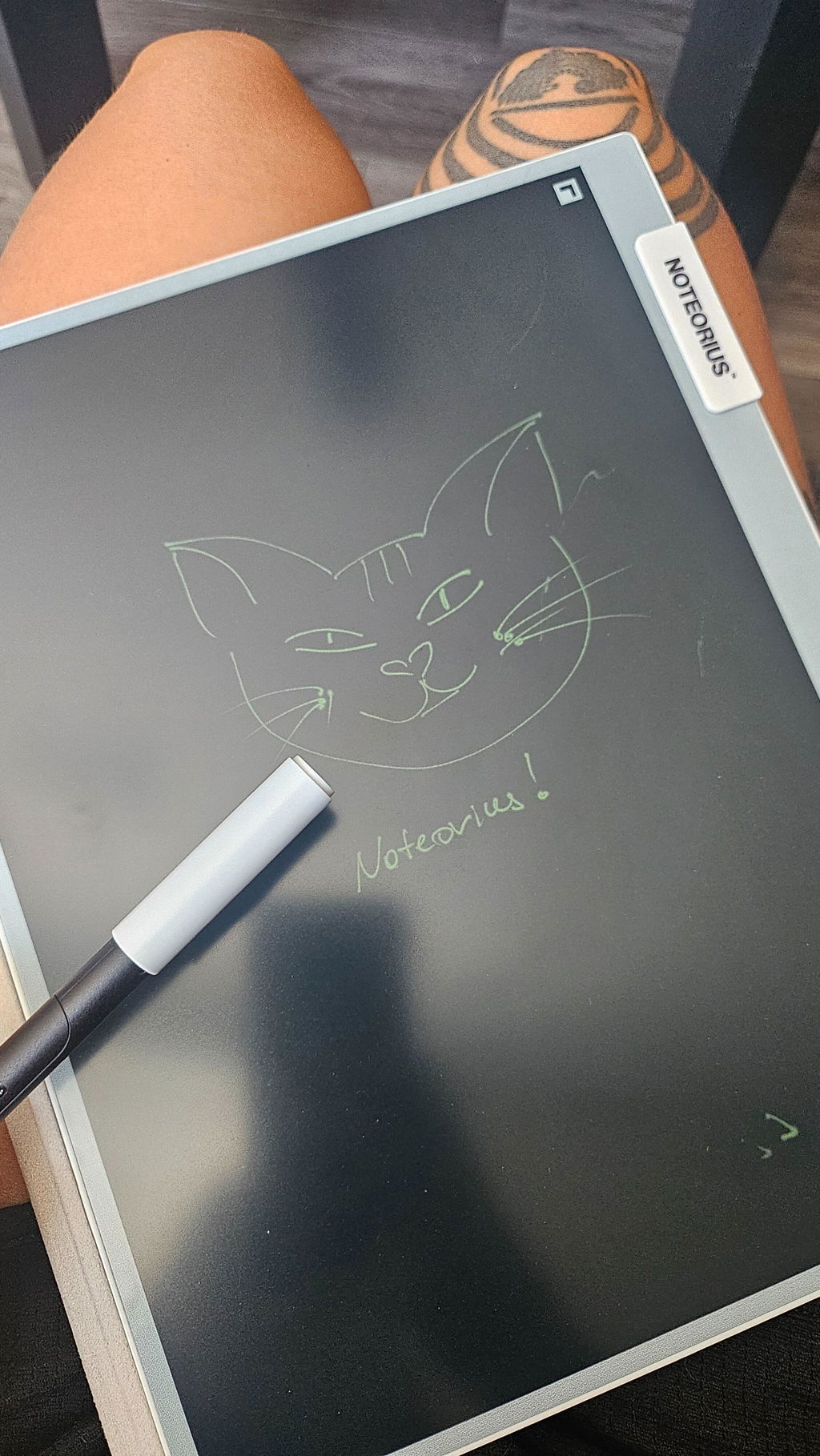
I love it! A smooth process from downloading the app to saving a file. The set up instructions were easy to follow. I like the 8.5”x11” size and that the device turns on when the cap is removed from the pen. The tip of the pen is a perfect size. The case is good quality as well. The app is user friendly and easy to set up for exporting to other locations. I set up mine to save to Google Drive. I also like that all settings are in the app versus having to do that on the device.
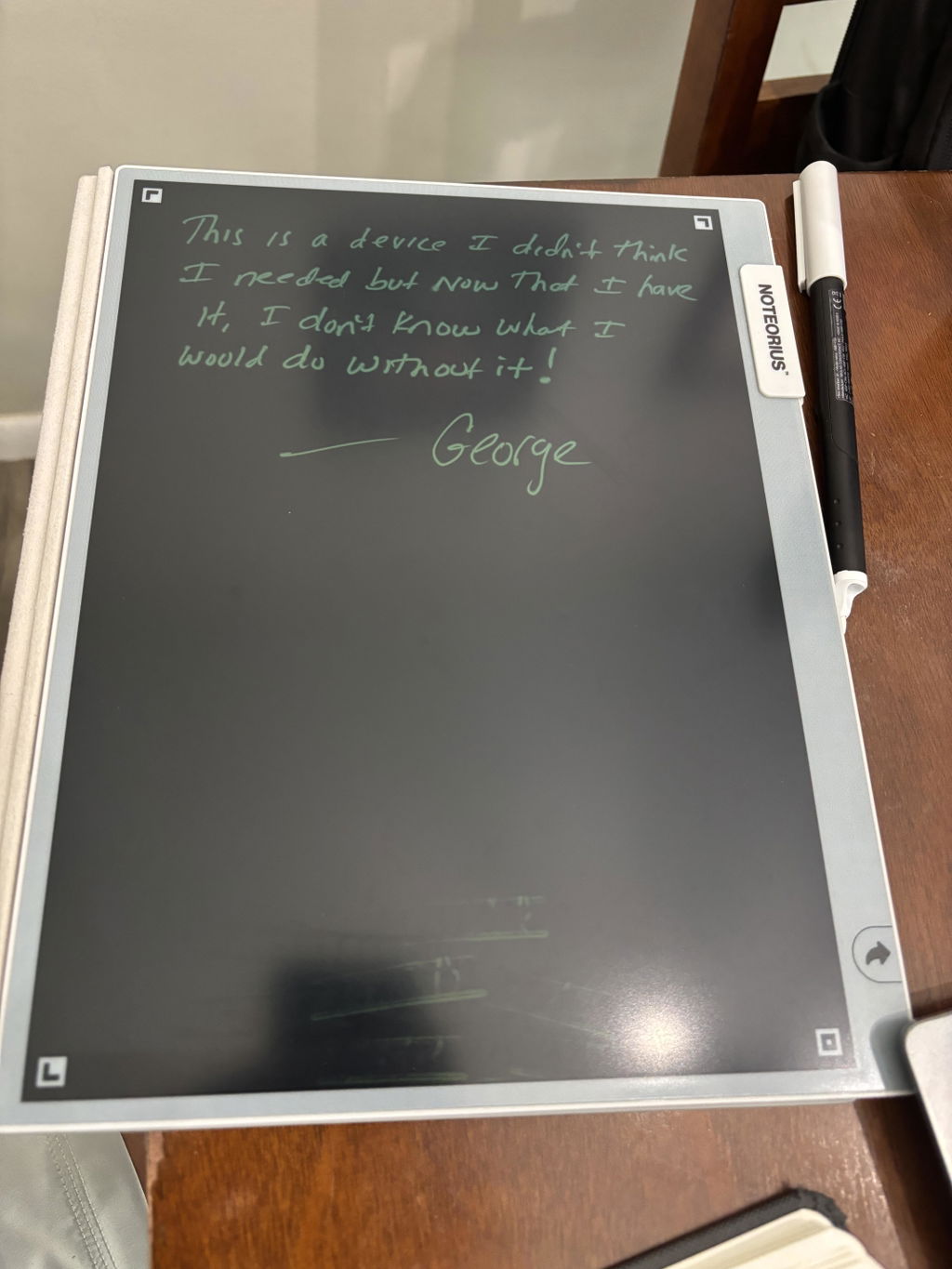
Nice tablet for note taking. Thin.
I love how easy it is to put my thoughts in an organized fashion and still have plenty of room to add what I want... WHEN I want. I love this device!
so far I love it
Love it.
Great product only wish it had a desktop app
I purchased this because I was tired of carrying my old Surface tablet around just for jotting down notes. I was looking for something simple and straight forward. I use this daily and everything syncs well with my OneDrive and Dropbox. It was slightly larger than expected but not a nuisance. I wish they provided different stylus tips to accommodate artists as well. Overall, 10/10 for me!
Good product
This notebook is so easy to use and take with me everywhere. The instructions were clear and really easy to follow, so I could quickly set it up and start using it for notes. It's thin enough to slip into my bag with my laptop, and the cover is actually good quality so I'm not worried about the screen getting scuffed up. And the notes get sent straight to the app so taking notes during meetings is so much easier! I love the look and it feels nicer than just a notebook.
I’ve been using the Noteorius Reusable Smart Notebook and it’s quickly become part of my everyday routine. It’s really easy to use and I have found myself using it for everything from quick notes and to-do lists to meeting notes. It’s nice not going through tons of paper notebooks, and it helps keep everything in one place.It’s also super portable. It’s lightweight and easy to throw in a bag, so I can bring it to work, meetings, or when I’m on the go.
So far so good! Only been able to use it a couple of times, works great!
Not sure on this yet.
The notebook was easy to setup and use. I really like that the pen has a magnet to attach to the notebook. It is very lightweight and a slim design. I'm planning on using it to journal and take notes during meetings.
When I first unboxed Noteorius that directions were easy to set up and understand how to use quickly. Noteorius isn’t just for simple notes — you can create pages, to-do lists,tables, and even trackers for habits or classes in your own style. You can organize everything in a way that makes sense to you. Your notes automatically sync on your phone, tablet, and computer so you can access them wherever you are. You can share pages with friends, classmates, or work partners whenever you want. Overall this was 100 percent worth the purchase and an excited to have an organized way to take notes in the future.
This was given as a gift to another who is a college student and that person explained that they liked the idea of being able to make notes so easily. He's a history major so there is a ton of dates, etc. to deal with as well as quick references brought up during lectures or research and he found this notebook particularly convenient for exactly that. His preference is normally to jot down everything in very organized journals because he keeps them for reference when he begins teaching and the notebook helped him be able to summarize everything for his journal entries as well. He said it took him awhile to get into the idea of using the notebook because of normally writing things in journals directly but he got used to using it and found it actually is the better way to go. Being able to draw objects as well as write helped with symbols and/or diagrams he explained to me. All in all, there was a learning curve as there is with most things but the quality seems there, this seems well made and a reliable product. I am happy to pass on his comments after personal use. I hope this helps others.
Really high quality product and super easy to set up. I used to write notes on an iPad but this product is great because there are no distractions.
I love love love this product! It is so easy to use and with everything I have going on, I can keep my life organized on the go. Life changing and very much worth the cost!
I wanted to share my feedback regarding your tool. The features and overall functionality are impressive; it has quickly become a valuable tool for my daily tasks.It has been especially useful for managing to-do lists, tracking daily goals, and capturing quick sketches of ideas. As someone who struggles with very poor short-term memory, this has been an ideal solution for getting things done and ensuring nothing is forgotten.Thank you for developing such a helpful resource.
This just might be one of those, "What did I do before I had the Noteorius Smart Notebook" gadgets. Like, what did we do before the microwave? GPS? Mobile phones? I use it all the time. The best feature, in my opinion, is the "always on" notebook state. Just keep the pen charged (It lasts a really long time), and the notebook is always ready, even with no power supply. How do they do that? This makes it so easy to grab and jot down a thought or draw an image on. It's basically always on. And setup was an absolute breeze. Just download the app and sync the bluetooth pen.Next best feature is the auto sync with the app/cloud. It auto syncs with the app with only a tap of the pen on the notebook, and you can set it up to also auto send your image/document to Dropbox, Google Drive, Evernote, OneNote or OneDrive. You can further specify the default file type (png or pdf) and the default line width.As others have noted, the build quality is great, and the feel of the stylus on the tablet it pretty much exactly like a pen on paper. So, kudos for that. Also, it properly ignores your hand on the screen, such that no unwanted artifacts are generated by your hand. And the images or documents that are created in the app and sent to the cloud have so far been perfect - no artifacts or missing data.Yeah, I love this notebook. A feature I would like to see is auto sync of folders in the app with my Google Drive. I store everything in Google Drive, but as of now, the app just sends everything to the same folder up there. In fact, it isn't actually syncing the app and the cloud, so the cloud is not a backup of the app. It just sends stuff there. So, any further cloud organization has to be done within your cloud endpoint. I have suggested this, and am hopeful that I will see it at some point, but I am not going to downgrade my rating for a "nice to have" feature that may well be included in a future software update. I would also like to be able to change the brightness and or line width on the notebook itself, but I am not sure this is realistic. Like I said earlier, I don't even know how the notebook generates the sort of flourescent lines and images with no power source. So, I don't know if its possible to adjust them. But the default is easy on the eyes and that is supposed to be a feature, not a bug, so I accept that for now! I'm guessing its all about the tip on the stylus, so I imagine they could make different tips to create different line types, sort of like a calligrapher's pen. But I digress.Bottom line, this is a well-made and well-conceived device that brings a ton of utility at a very reasonable price point. Yes, I recommend!
While working I am often scribbling notes on notepads but later when I need them for reference it can be tedious. So I bought the Noteorius Notebook. It arrived promptly. It was nicely packed and came with extremely simple instructions. I have been using it for about a week and so far so good. I am loving the ease of use, I would recommend it.
Game-Changer for Notes & OrganizationI love my Noteorius! It has completely transformed the way I take and organize notes. Writing feels natural and smooth, just like pen and paper, but with the huge bonus of instantly saving everything. The app is intuitive and makes it incredibly easy to access, organize, and share my notes.What really sets Noteorius apart is how seamlessly it fits into my daily workflow—whether I’m in meetings or planning projects at home. I no longer worry about losing notebooks or rewriting notes, and everything stays perfectly organized in one place.The design is sleek, the build quality feels premium, and the overall experience is thoughtful and polished. If you’re someone who loves handwriting but wants the convenience of digital organization, Noteorius is absolutely worth it. Highly recommend!
If you have any questions, you are always welcome to contact us. We'll get back to you as soon as possible, within 24 hours on weekdays.
-
Shipping Information
Use this text to answer questions in as much detail as possible for your customers.
-
Customer Support
Use this text to answer questions in as much detail as possible for your customers.
-
FAQ’s
Use this text to answer questions in as much detail as possible for your customers.
-
Contact Us
Use this text to answer questions in as much detail as possible for your customers.