

Complete Desk Kit
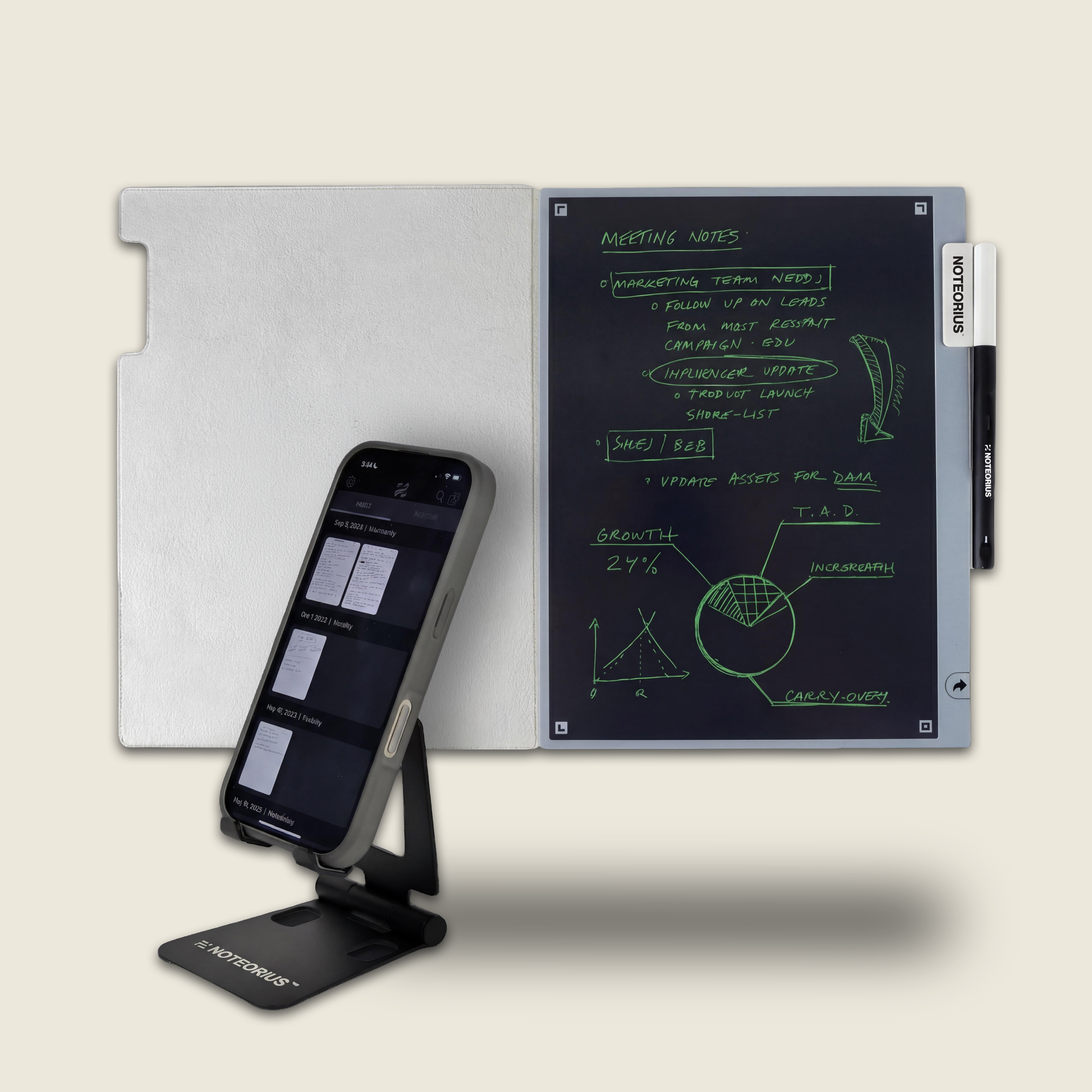
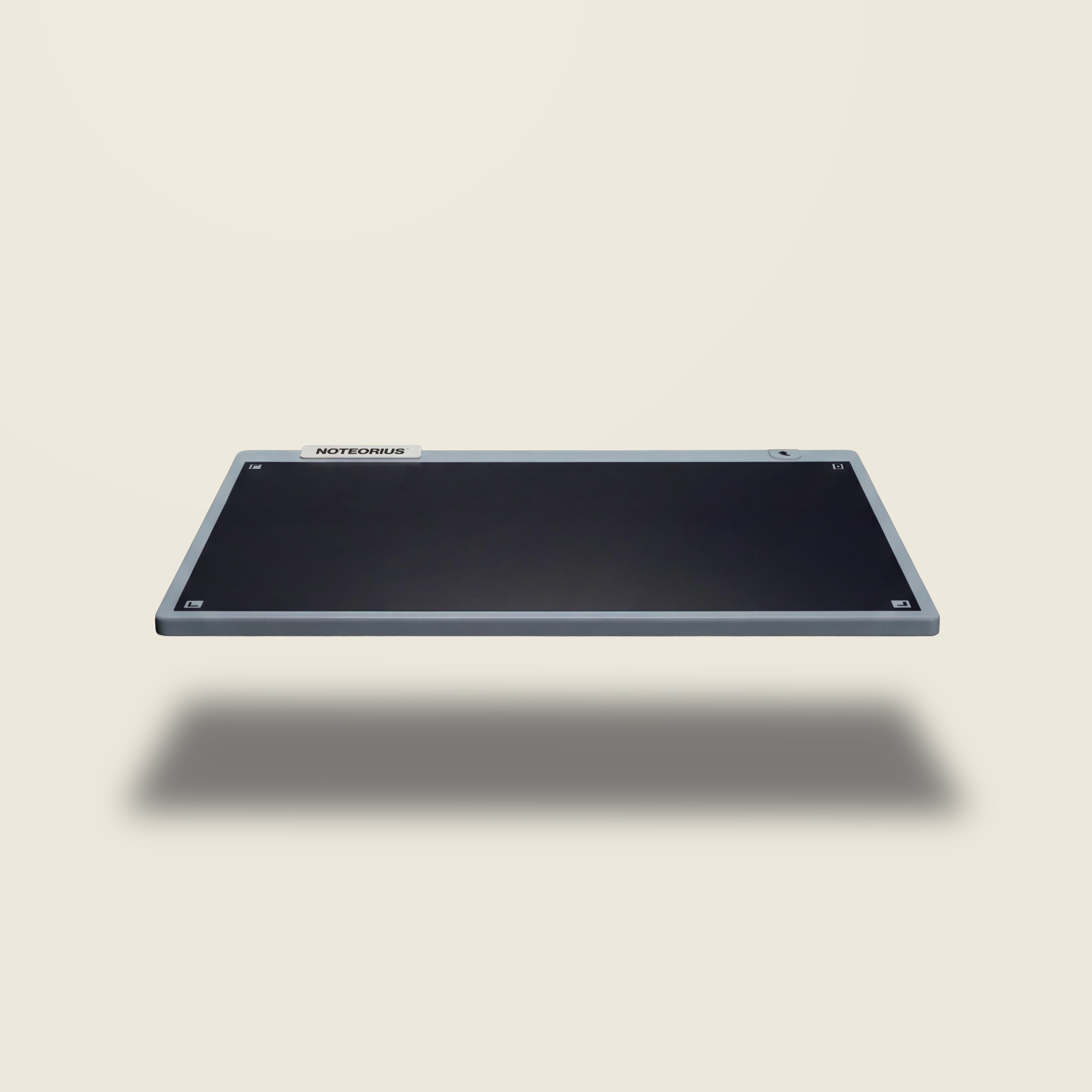
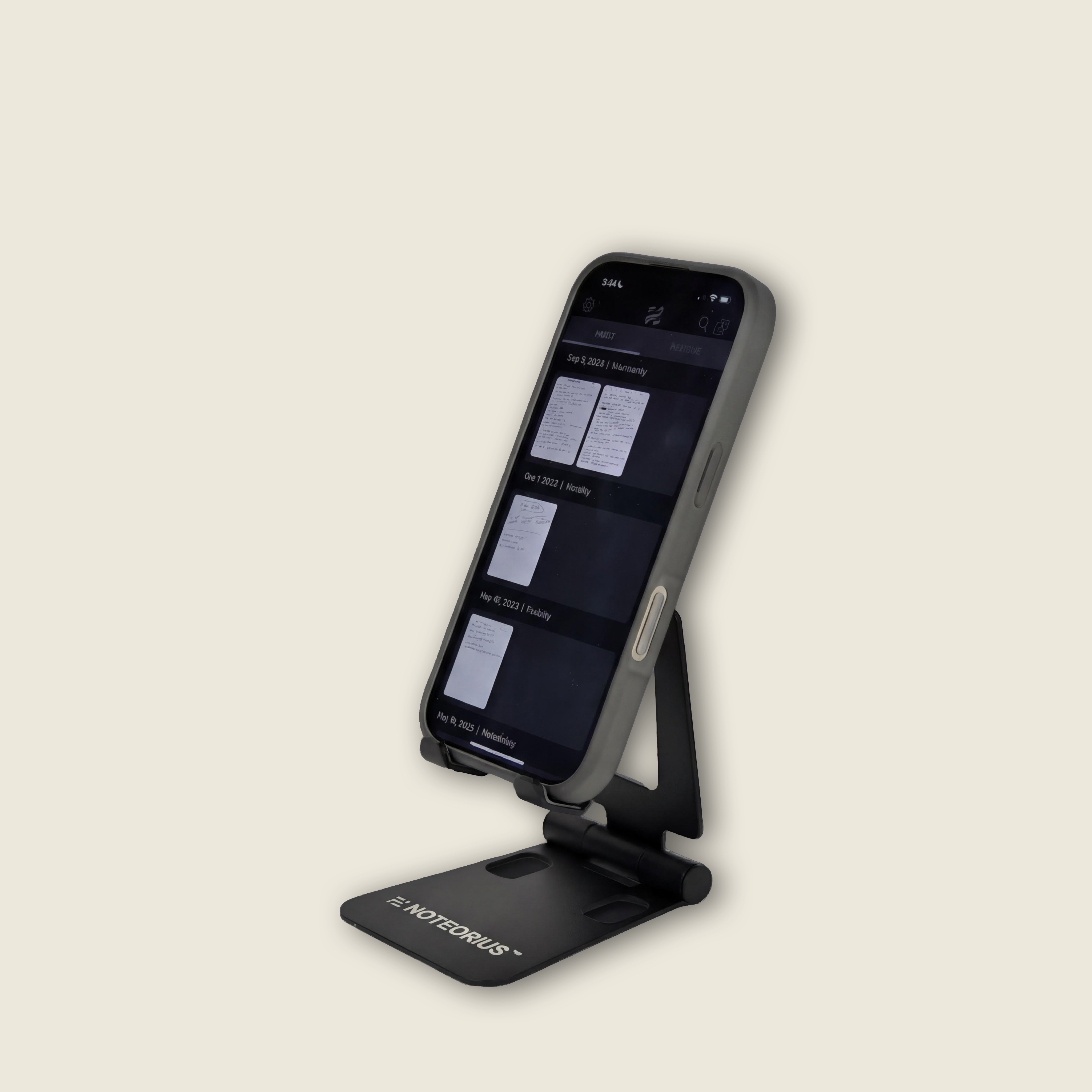
Everything in one place. The Complete Office Kit brings together the full Noteorius system plus the phone stand, so your desk does more without doing more to it. Phone at eye level, notebook open, focus intact. The setup that serious thinkers actually want.
What's included:
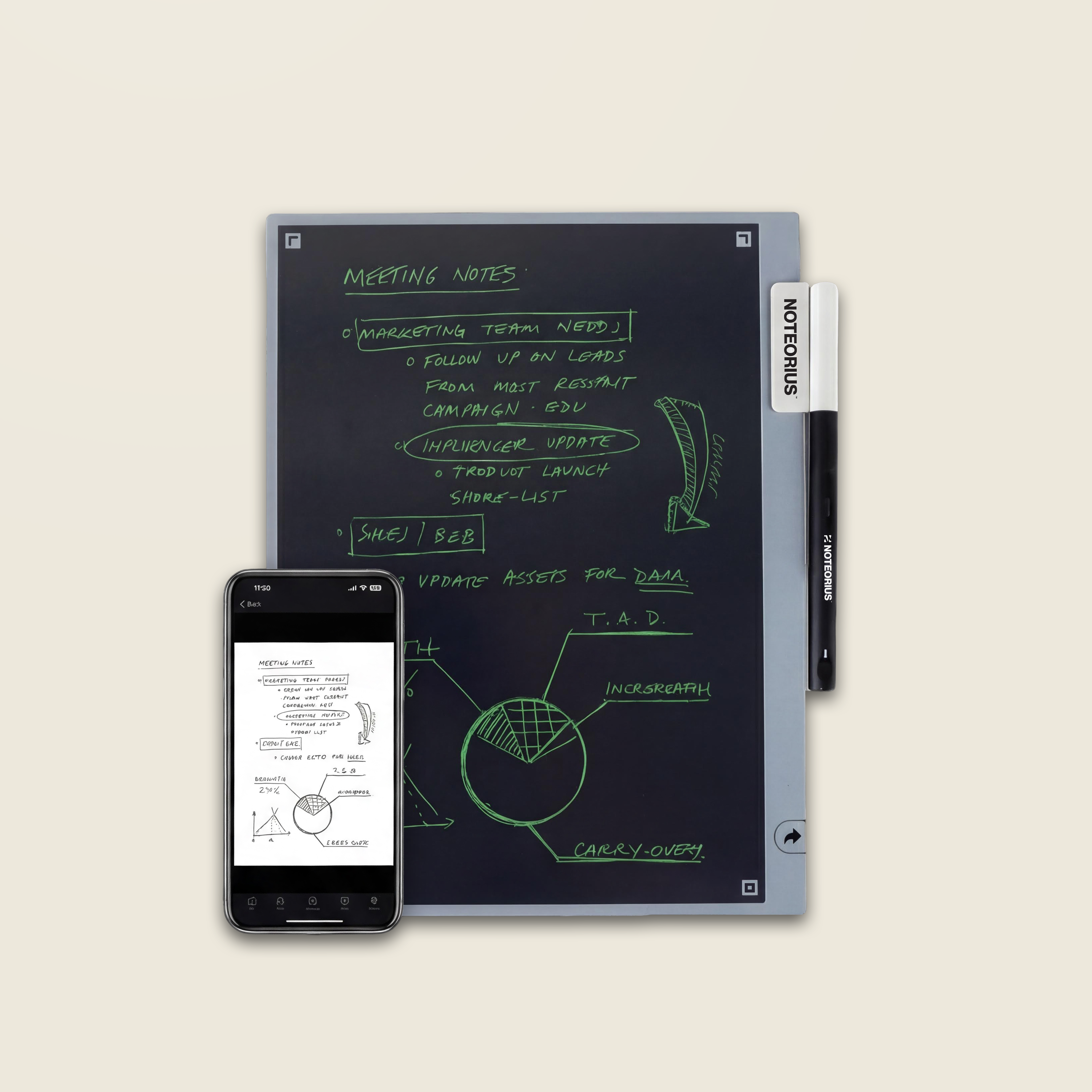
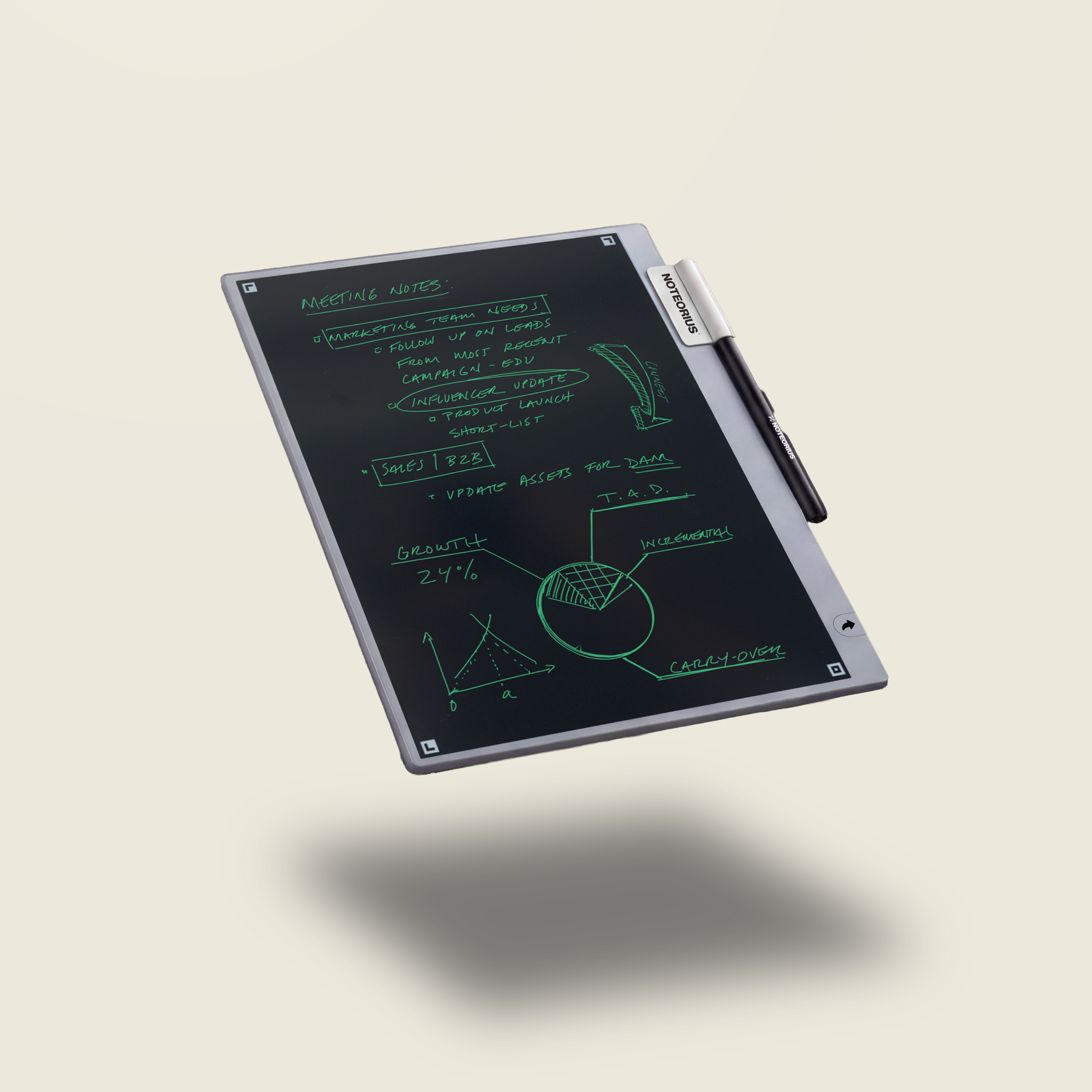
- Noteorius Smart Notebook
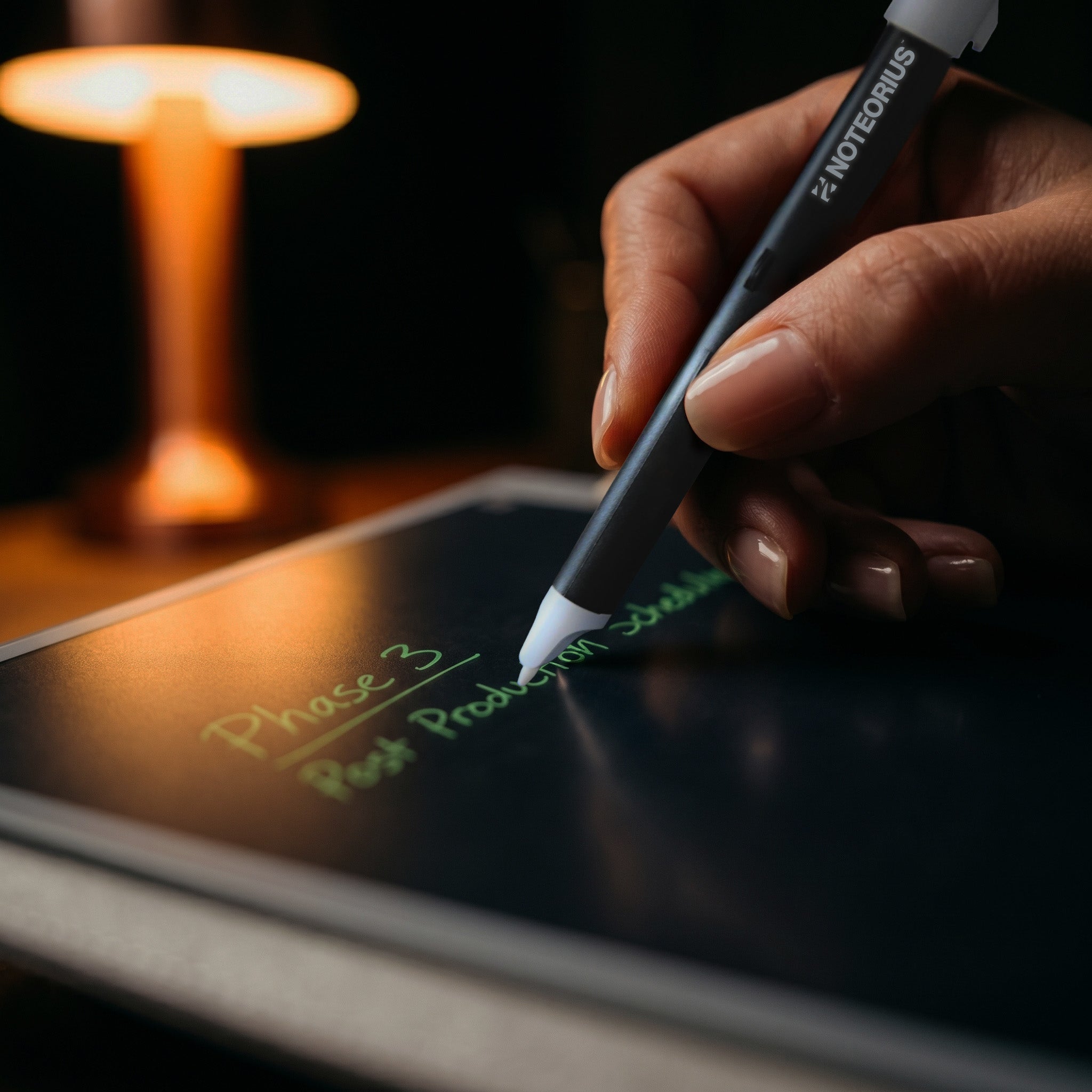
- High-precision Smart Stylist
- Protective Magnetic Folio
- Noteorius Phone Stand
- Free Noteorius Notes app (iOS and Android)
- Export to Google Drive, OneNote, Evernote, Dropbox, and more
Ships within 1-2 business days.
1-Year Warranty
Complimentary shipping
Pairs well with
Complete Desk Kit

Keep Your Notes in View
Position your phone at the ideal viewing angle while you write in your Noteorius™ Smart Notebook. Review synced notes, reference ideas, or follow along in meetings without breaking your workflow.
If you have any questions, you are always welcome to contact us. We'll get back to you as soon as possible, within 24 hours on weekdays.
-
Shipping Information
Use this text to answer questions in as much detail as possible for your customers.
-
Customer Support
Use this text to answer questions in as much detail as possible for your customers.
-
FAQ’s
Use this text to answer questions in as much detail as possible for your customers.
-
Contact Us
Use this text to answer questions in as much detail as possible for your customers.